
Introduction to Typeshala
Typeshala is an iconic software application that has served as the gateway to computer literacy for millions of people in Nepal and beyond. Developed primarily to teach touch typing in both English and a Nepali font, it became a staple in computer institutes, schools, and homes throughout the early 2000s and remains deeply relevant today.
The program's gamified approach to learning, with its falling letters and engaging typing exercises, turned what could have been a tedious chore into a fun and competitive activity. For many, the iconic interface of Typeshala brings back a wave of nostalgia, reminding them of their first interactions with a keyboard and a computer monitor.
In our fast-paced digital world, typing speed and accuracy are no longer just optional skills; they are absolutely essential for effective communication, productivity, and professional success. Whether you are a university student drafting an extensive research essay, a software developer writing thousands of lines of code, or a business professional composing daily emails, the ability to translate your thoughts into text quickly and flawlessly is a massive competitive advantage. You can learn more about keyboard layouts from Wikipedia's Keyboard Layout page.
The Magic of Touch Typing
Touch typing is the highly disciplined practice of typing without using the sense of sight to physically locate the keys on the keyboard. Instead, an experienced touch typist relies entirely on muscle memory, instinctively knowing the exact location of every key and symbol.
This remarkable skill is typically acquired through carefully structured exercises that always start with the "home row" keys (ASDF for the left hand and JKL; for the right hand) and gradually introduce the rest of the alphabet, numbers, and punctuation marks. By keeping your fingers anchored to the home row, you significantly minimize unnecessary hand movement.
Consequently, your creative workflow becomes incredibly seamless, and your complex thoughts can flow onto the screen almost exactly as quickly as they enter your conscious mind. Furthermore, touch typing inherently promotes better workspace ergonomics.

Mastering Nepali Typing
One of the most unique, powerful, and historically significant features of Typeshala is its comprehensive, built-in support for Nepali typing. Before the widespread global adoption of Unicode standards, typing in the Nepali language on a personal computer usually meant relying on specific, non-Unicode localized fonts like Preeti or Kantipur.
These legacy fonts map complex Nepali characters directly to standard English QWERTY keystrokes, requiring the user to memorize and learn a completely new, often highly complex keyboard layout. Typeshala stepped in to solve this problem by providing highly structured, methodical lessons.
Learning to fluently type in Nepali using these traditional font layouts is undoubtedly a challenging endeavor that requires significant patience. Unlike English, Nepali alphabet features various consonants and halants. To further test this, some users also preferred typing in Kalimati, another highly sought after typeface in standard computing, although mastering a proper Nepali font typically meant sticking with Preeti.
Legacy Fonts vs Unicode
While Nepali Unicode has rightfully become the universal standard for modern online communication, traditional layouts are still widely used. Aside from Preeti, fonts like Himali (or Himalayan) were deeply embedded in printing. For global standards, refer to the Wikipedia Unicode page.
Being proficient in these older layouts remains a highly sought-after and monetizable skill. For instance, sometimes you need reverse conversion from Unicode back to legacy formats like Unicode to Kalimati for older press software. Interestingly, this legacy typing hurdle is not unique to Nepal; similarly, older systems utilized the IranSystem for Persian fonts.
The Psychology of Learning to Type
Embarking on the journey of learning to type quickly and accurately is as much a formidable psychological challenge as it is a demanding physical one. When you first begin earnestly using a training program, it is normal to feel deeply frustrated.
Initially, your fingers will invariably feel clumsy, awkward, and uncoordinated. This is common when learning new keystrokes for Preeti or Kalimati. The ultimate key to overcoming this discouraging phase is sheer persistence and a fundamental shift in your learning mindset.
Building Muscle Memory
At the core of successful touch typing is muscle memory. It allows you to perform complex physical tasks without conscious thought. Masterful touch typing works exactly this way. Through relentless repetition, the precise connection between visualizing a specific letter and executing the corresponding finger movement becomes automatic.
Typeshala facilitates rapid development of this crucial muscle memory through its highly structured, meticulously repetitive daily exercises. Whether you are learning English typing or a specific legacy fonts layout, consistency is vital.
Tracking WPM and Accuracy
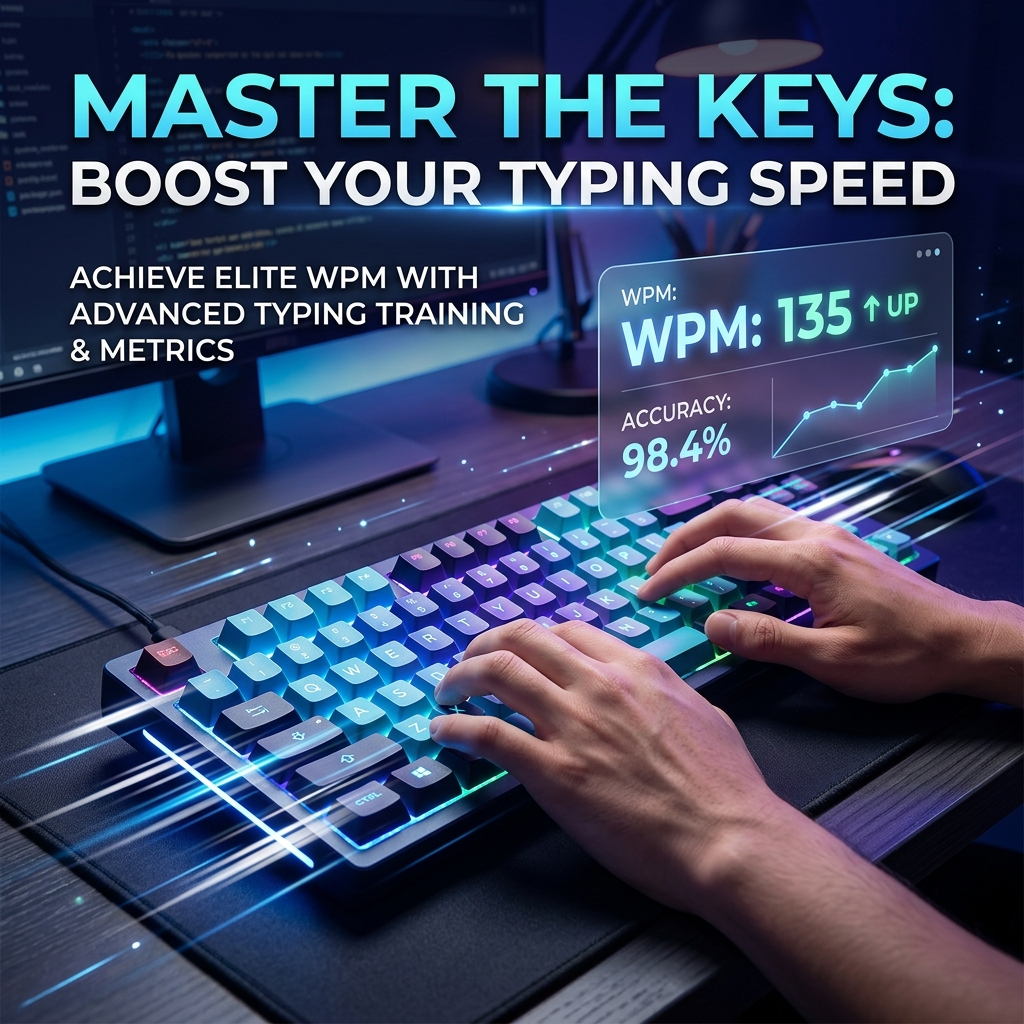
One of the most highly motivating and rewarding aspects of using a dedicated typing tutor is the built-in ability to precisely track your tangible progress over time. The two primary, standardized metrics used globally to accurately measure typing proficiency are Words Per Minute (WPM) and overall accuracy percentage.
Typeshala provides incredibly detailed, immediate feedback on both of these crucial metrics at the conclusion of every single lesson or typing game. While it is always extremely tempting to recklessly chase a high WPM score to show off, remember that a widely accepted rule of thumb is to aim for at least 95% accuracy before consciously attempting to increase your raw speed.
To broaden your training, there are numerous modern typing tests available online. Excellent platforms such as 10FastFingers or the highly customizable Monkeytype can be used to periodically gauge your overall progress alongside your dedicated Typeshala practice.
The Role of Gamification
One of the primary reasons Typeshala achieved such massive, enduring popularity across generations of users was its incredibly clever and pioneering use of gamification principles. Learning to touch type, whether for English or Kantipur, can often be a highly repetitive task.
The iconic "falling letters" game embedded in Typeshala dynamically increases the speed of the letters, creating a palpable sense of urgency. This excellently trains the user to react quickly and type confidently under simulated pressure.
Typeshala in the Modern Era
While Typeshala is fundamentally a piece of legacy software built for a bygone era of computing, its core educational principles are completely timeless. In the modern era, where sleek web-based applications dominate, getting an old MS-DOS or early Windows program like Typeshala to run properly can require a bit of technical tinkering.
Yet, it is undeniable that many modern, sophisticated tools owe a massive debt of gratitude to the pioneering educational design of early programs like Typeshala. The passionate community surrounding Typeshala remains surprisingly active today.
Getting Started and Best Practices
If you are truly ready to embark on your journey to typing mastery, first and foremost, you must create a proper, ergonomic workspace. Always sit up perfectly straight in your chair and position your keyboard correctly. Good posture is non-negotiable.
Second, you must make a solemn vow to never look down at the keyboard. Third, commit to practicing consistently. Finally, be incredibly patient with yourself. Learning to touch type fluently is a long-term marathon, whether you're tackling standard English or the intricacies of Himali and Preeti.
Frequently Asked Questions
What is considered a "good" typing speed?
For the average computer user, a typing speed ranging from 40 to 50 WPM is considered very decent. However, professional typists often aim for speeds of 70 to 100 WPM or more.
Can I truly learn to touch type if I have been "hunt-and-pecking" for many years?
Absolutely. With disciplined, consistent daily practice using a tool like Typeshala, you can effectively retrain your brain's muscle memory and achieve typing speeds that far exceed your previous limits.
Is the original Typeshala software available for modern Mac or Linux operating systems?
The original Typeshala was designed for Windows and DOS. To run it on Mac or Linux, you typically need to utilize an emulator like DOSBox.