
Understanding Fontasy Himali
For decades, the Fontasy Himali font has been a cornerstone for typing in Nepali font families and other regional languages. Originating in an era before modern web standards, it relies on a specific ASCII-based encoding that maps standard English keyboard strokes to traditional Himalayan scripts.
Many government offices, local businesses, and historical archives heavily utilized Fontasy Himali for official documentation, literature, and media. To this day, numerous legacy files remain encoded in this beloved yet outdated format, posing unique challenges in modern workflows. Similar to the well-known Preeti and Kalimati formats, it requires dedicated tools for translation.
While it served its purpose brilliantly during the early days of desktop publishing—where many learned to type using a typing tutor like Typeshala to boost their WPM—it presents significant hurdles today. Modern devices, smartphones, and web browsers primarily operate on Unicode, a universal standard that ensures text looks the same regardless of the platform.
If you have ever opened an old document only to see a jumbled mess of English characters instead of beautiful Nepali script, you have encountered the classic Fontasy Himali compatibility issue. This happens because the system lacks the specific font file to render the ASCII characters as intended.
To solve this, users must bridge the gap between traditional typing habits and modern digital requirements. This is where conversion tools become invaluable, allowing seamless translation of older encodings—such as those of legacy fonts like Kantipur or Fontasy Himali—into universal formats without manual re-typing.
Understanding the mechanics behind Fontasy Himali is the first step toward preserving our rich linguistic heritage in the digital age. Let's delve into why this transition is not just optional, but essential for the longevity of your digital data.
The Legacy of Non-Unicode Fonts
Non-Unicode fonts like Fontasy Himali use proprietary character mappings. In these systems, a letter like 'k' might be designed to look like a specific Nepali consonant, but underneath, the computer still thinks it's a 'k'. This mapping trick worked well in isolated systems but fails in interconnected environments, a problem common even with IranSystem for Persian texts.
This fundamental flaw means that if you copy and paste text into an email, a social media post, or a modern text editor without the font installed, the illusion breaks. Your carefully crafted message reverts to incomprehensible gibberish, frustrating both senders and recipients.
Furthermore, search engines cannot index this text correctly. If you publish an article using a non-Unicode font, Google and Bing cannot read the actual language, rendering your content virtually invisible to online searches. This limits the potential reach of valuable local-language content.
Accessibility is another major concern. Screen readers used by visually impaired individuals rely on standard text encodings to read content aloud. Non-Unicode text completely excludes these users from accessing your information, which is a major accessibility violation today.
The push towards Unicode standardization is a global effort to ensure every language is accessible, searchable, and uniformly rendered across all digital platforms, making the web truly inclusive.
Why Convert to Unicode?
Converting Fontasy Himali to Unicode is not merely a technical necessity; it is a vital step in future-proofing your documents. As operating systems evolve, support for legacy fonts continues to diminish, putting older archives at risk of becoming unreadable.
One of the primary benefits of Unicode is universal compatibility. Whether your audience is reading on an iPhone, an Android tablet, a Windows PC, or a Mac, Unicode text displays correctly without requiring them to install special fonts or software packages. You can learn more about computing standards on Wikipedia.
Moreover, Unicode integration allows you to leverage modern web features. You can easily share your content on social platforms like Facebook and Twitter, ensuring your message reaches a wider audience in its true linguistic form without formatting breaking.
For businesses and content creators, SEO (Search Engine Optimization) is paramount. Converting your legacy documents means search engines can accurately index your content, improving your visibility in local language search results and driving more organic traffic.
If you run a blog or a digital archive, transforming your older posts into Unicode breathes new life into them. We highly recommend checking out our other typography resources to learn more about optimizing text for the web and engaging a modern audience.
Data longevity is another crucial factor. While proprietary formats risk becoming obsolete, Unicode is the globally accepted standard, guaranteeing your text remains readable for generations to come, preserving cultural knowledge indefinitely.
Benefits for Digital Archives
Libraries and educational institutions hold massive archives of material typed in Fontasy Himali. Digitizing these resources requires accurate conversion to make them accessible to researchers worldwide without forcing them to configure legacy software environments.
Automated conversion tools have revolutionized this process, allowing bulk transformation of thousands of documents in a fraction of the time it would take to retype them manually using a typing tutor. This dramatically reduces the labor costs associated with archival preservation.
This preservation effort ensures that cultural and historical narratives are not lost in the technological shuffle. It empowers the next generation to interact with their heritage through modern digital mediums like tablets and e-readers.
By adopting Unicode, these institutions also open up possibilities for advanced text analysis, machine learning, and natural language processing in regional languages, sparking new waves of academic research and linguistic study.
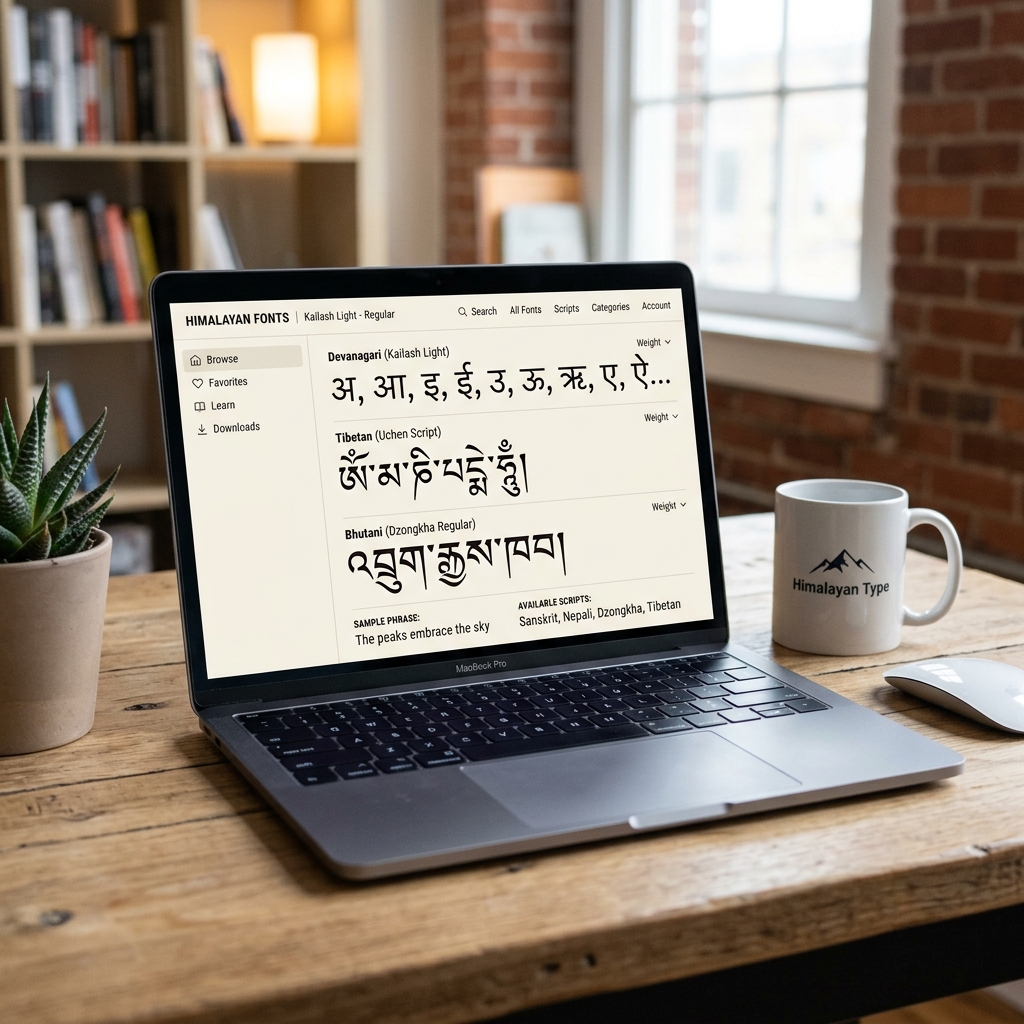
Step-by-Step Conversion Guide
Converting your Fontasy Himali text to Unicode is surprisingly straightforward if you follow the right process. There are numerous online tools and software applications designed specifically for this task, taking the heavy lifting out of text migration. Just as there are tools for Nepali font users, similar tools exist for Himali.
First, you need to identify the source text. Open your legacy document in an application that still supports the Fontasy Himali font, such as an older version of Microsoft Word or a dedicated text editor like Notepad on a legacy Windows machine.
Select the text you wish to convert and copy it to your clipboard. Ensure you have captured all the necessary paragraphs, paying special attention to formatting and special characters that might be scattered throughout the document.
Next, navigate to a reliable font conversion utility. While there are many options available, it is crucial to choose one that handles complex ligatures, half-characters, and post-consonant vowel modifiers accurately.
Paste your copied text into the designated input box. Most tools will automatically detect the source encoding, but you may need to manually select 'Fontasy Himali' from a dropdown menu to guarantee accurate processing algorithms are applied.
Click the convert button. The tool will process the text, mapping each legacy character to its corresponding Unicode standard counterpart in milliseconds, preserving the semantic meaning of your document.
Once the conversion is complete, review the output carefully. While automated tools are highly accurate, regional dialects and unique formatting tricks can occasionally cause minor discrepancies that need human oversight.
Finally, copy the converted Unicode text and paste it into your modern application—whether that's a web CMS, a new document, or an email. You will instantly notice the text renders beautifully using standard system fonts, ready for modern consumption.
Choosing the Right Tool
Not all conversion tools are created equal. Some struggle with specific conjunct consonants or unique punctuation marks prevalent in Himalayan languages. Using a subpar tool can result in subtle spelling errors that are hard to catch.
When selecting a tool, look for user reviews and test it with a small, complex paragraph first. This ensures it meets your specific accuracy requirements before you commit to converting large batches of critical documents.
For those dealing with sensitive or confidential information, consider using offline conversion software to ensure data privacy and security, as online tools require you to transmit text over the internet.
Troubleshooting Common Errors
Even with the best tools, you might encounter occasional hiccups during the conversion process. Understanding these common errors can save you time and frustration, allowing you to quickly patch up any minor artifacts in the final text.
One frequent issue is the misplacement of vowel modifiers (Matras). In legacy fonts, these modifiers were often typed before or after the consonant in a way that doesn't align with modern Unicode logical sequencing standards.
If you notice vowels appearing on the wrong letters, you may need to use a tool specifically optimized for Fontasy Himali's unique keystroke sequence, or manually correct these few instances if the document is relatively short.
Another common challenge involves half-characters and complex ligatures. Sometimes, the converter might interpret a half-character as a full character followed by a Halant, which can look awkward visually depending on the font rendering engine.
In such cases, manual correction might be necessary. However, most modern browsers and text editors are becoming better at automatically rendering these sequences correctly, so they might display fine in your final publication format.
If you are pasting into a platform that strips formatting, you might lose italics or bold styling. It is best to apply these styles after the conversion is complete, using standard Unicode-supported rich text editors.
Always keep a backup of your original Fontasy Himali documents. If a conversion goes wrong, having the source file ensures you can try again with a different method without permanently losing the original data structure.
Dealing with Special Symbols
Fontasy Himali often included specialized symbols or localized punctuation that don't have direct one-to-one mappings in standard Unicode. These symbols were often mapped to rare ASCII characters in the original font files.
During conversion, these symbols might turn into question marks or empty boxes. You will need to manually replace these with the closest Unicode equivalent or use standard punctuation to maintain document flow.
Creating a personal cheat sheet of common symbol mis-mappings can significantly speed up the proofreading process for large documents, helping you spot and replace these errors with search-and-replace functions.
Preserving Formatting
Converting text is only half the battle; maintaining the original document's formatting is often just as important, especially for official reports, government documents, and carefully designed publications.
When converting simple text, copying and pasting works perfectly. However, for documents with tables, bullet points, and complex layouts, a more nuanced approach is required to prevent layout collapse.
Some advanced converters offer document-level translation, where you can upload an entire Word document or PDF, and the software replaces the text while attempting to preserve the surrounding XML or structural data.
If you are doing this manually, it is often best to convert paragraph by paragraph. Paste the new Unicode text back into the original document layout, replacing the legacy text section by section carefully.
This method ensures that your carefully constructed tables and alignments remain intact, even as the underlying text encoding changes. It is slower but guarantees the highest fidelity to the original design.
Pay special attention to line breaks and spacing. Legacy fonts often had different kerning and line-height properties compared to modern Unicode fonts, which can shift text and create unexpected page breaks.
You may need to adjust the font size or line spacing in your document editor to match the original visual flow after conversion, ensuring the document looks just as professional as it did originally.
Frequently Asked Questions
Is it possible to convert back to Fontasy Himali from Unicode?
While technically possible, reverse conversion is generally not recommended unless strictly necessary. Unicode is the modern standard, and reverting to legacy formats introduces compatibility and accessibility issues. However, some specialized tools do offer this feature if you strictly require it for specific legacy layout software like old versions of PageMaker or if you want to explore Unicode to Kalimati transformations.
Will I lose my document formatting?
It depends on the method used. Simple copy-pasting text will usually strip formatting like bold, italics, or custom headers. For complex documents, we recommend using advanced converters that handle full document files, or converting text section by section directly within your word processor to preserve the existing layout elements.
Why does my converted text look slightly different?
Unicode fonts often have different design characteristics—such as kerning, weight, and line-height—compared to the original Fontasy Himali font. While the characters themselves are structurally correct, the overall aesthetic feel might vary depending on the modern font family you choose to display the new Unicode text.
Can I use Unicode text in Adobe Photoshop or Illustrator?
Yes, modern versions of Adobe Creative Cloud fully support Unicode and complex script rendering. You may need to enable 'Middle Eastern and South Asian' text preferences in the software settings to ensure ligatures, conjuncts, and vowel modifiers render correctly, preventing text from rendering backwards or detached.
Exploring Typography and Readability
Typography is not merely about making text look pretty; it fundamentally impacts how users consume and interact with content. When transitioning from Fontasy Himali to modern Unicode fonts like Kalimati or standard Preeti substitutes, the immediate improvement in readability is often striking and greatly enhances user retention.
Modern Unicode fonts are designed with screen reading in mind. They feature optimized x-heights, improved kerning, and clearer distinctions between similar characters. This reduces cognitive load on the reader, allowing them to absorb information more quickly, comfortably, and for longer periods.
Furthermore, responsive web design requires text that scales fluidly across different screen sizes. Unicode fonts scale beautifully without pixelation or distortion, ensuring your content remains legible whether viewed on a massive desktop monitor or a tiny smartwatch screen, providing a uniform experience.
Choosing the right Unicode font for your converted text is also a crucial design decision. Serif fonts might be more appropriate for long-form literature or formal documents, while sans-serif fonts are often preferred for modern user interfaces, mobile apps, and snappy web content.
The Economic Impact of Localization
Converting localized content into universally accessible formats has tangible economic benefits. In today's globalized economy, reaching audiences in their native language is a powerful strategy for user acquisition, brand loyalty, and customer retention.
When businesses fail to use Unicode, their regional content becomes unsearchable and unshareable. This represents a massive missed opportunity for organic growth and brand visibility. By digitizing and standardizing legacy documents, organizations can unlock hidden value within their existing content archives and attract new demographics.
For e-commerce platforms and digital service providers, localized content that displays correctly builds trust and credibility with the target audience. A poorly rendered webpage with broken fonts immediately signals a lack of professionalism and can drive potential customers away in seconds.
Conclusion
The journey from Fontasy Himali to Unicode is more than just a technical migration; it is a necessary evolution to keep historical, cultural, and regional texts alive in the modern era of computing. Standardizing on Unicode is the most effective way to protect text data.
While the process may seem daunting at first, the tools and methodologies available today make it easier than ever to preserve your content and formatting. There is simply no excuse for leaving valuable information trapped in outdated encodings.
By embracing Unicode, you ensure your text is accessible, searchable, and future-proof. Take the leap, utilize the conversion tools available, and bring your typography into the modern digital age. The benefits far outweigh the initial effort, paving the way for a more connected digital ecosystem.