
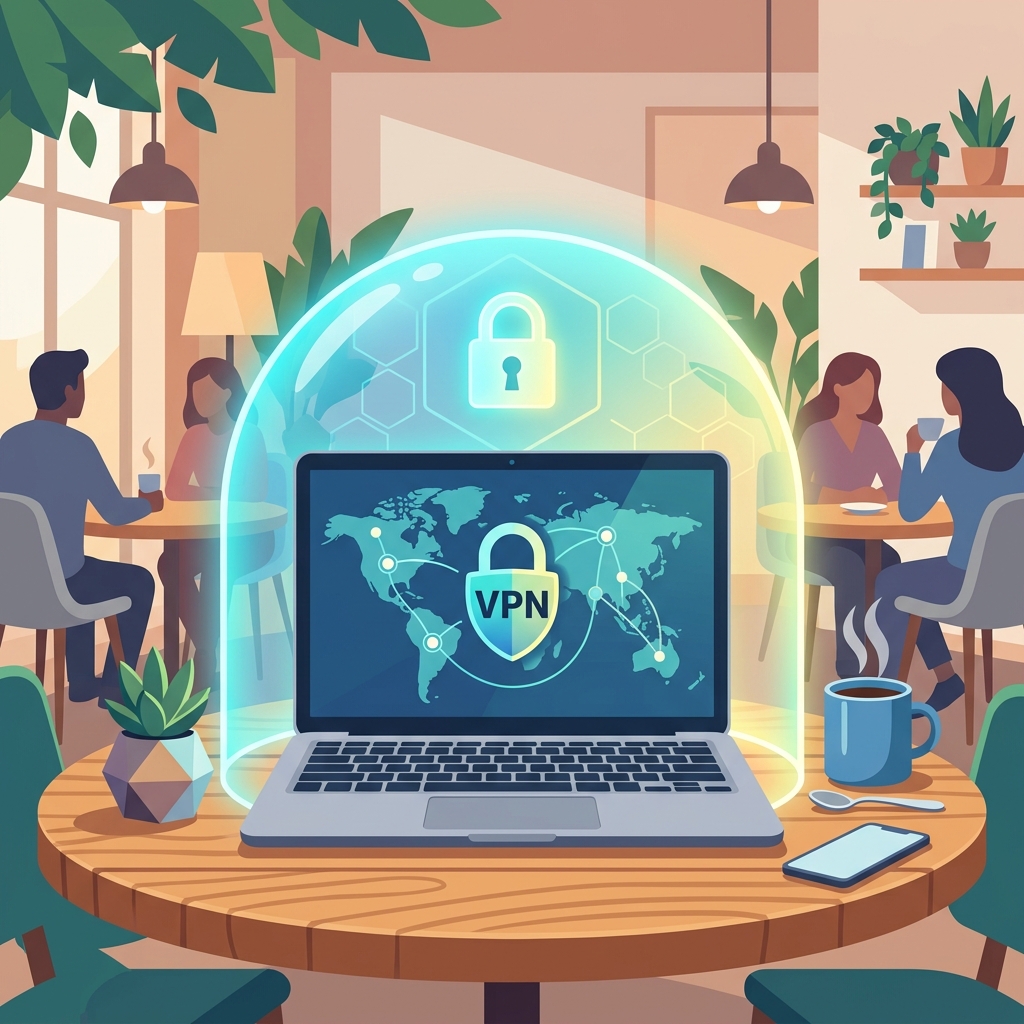
In our highly connected world, the availability of free public Wi-Fi in coffee shops, airports, hotels, and shopping malls is a major convenience. It allows digital nomads to work from anywhere, travelers to stay in touch, and professionals to squeeze in a few extra minutes of productivity. However, this convenience comes at a steep security cost. Public Wi-Fi networks are notoriously insecure, making them prime hunting grounds for cybercriminals looking to intercept sensitive data, steal login credentials, and distribute malware. When you connect to an open network, you are essentially sharing a digital space with every other connected device—some of which may have malicious intent.
1. The Invisible Threat: Man-in-the-Middle Attacks
One of the most prevalent threats on public Wi-Fi is the Man-in-the-Middle (MitM) attack. In this scenario, a hacker intercepts the communication between your device and the network router. Think of it like a digital eavesdropper intercepting the mail between you and the post office. Any data you send over an unencrypted connection—be it emails, chat messages, or browsing activity—can be read in plain text by the attacker. This interception can happen without you ever knowing it, making it extremely dangerous.
This is particularly devastating if you are logging into accounts without HTTPS or using poor password practices. If you are entering weak passwords, you are handing over the keys to your digital life. To defend against this, your first line of defense is always ensuring you use strong, unpredictable credentials. Using a Secure Random Password Generator guarantees that even if a login attempt is somehow intercepted (though HTTPS makes this difficult), attackers cannot easily guess your password on other platforms.
2. Rogue Hotspots and the "Evil Twin"
Another insidious tactic used by cybercriminals is the creation of rogue Wi-Fi hotspots, often referred to as "Evil Twins." An attacker sets up a portable Wi-Fi router in a public space and gives it a legitimate-sounding name, such as "Starbucks_Free_WiFi" or "Airport_Guest." Unsuspecting users see the open network, connect to it, and unknowingly route all their internet traffic directly through the hacker's device. As noted by the Federal Trade Commission (FTC), it's incredibly easy for criminals to spoof legitimate network names.
Once connected to an Evil Twin, the attacker has complete visibility into your online activities. They can inject malware into the websites you visit or redirect you to phishing pages designed to steal your credentials. This makes the use of a Virtual Private Network (VPN) absolutely essential. A VPN creates a secure, encrypted tunnel between your device and the internet, ensuring that even if you connect to a rogue hotspot, the attacker only sees scrambled, unreadable data.
3. Securing Document Workflows on the Go
Many professionals use public Wi-Fi to catch up on administrative tasks, which often involves handling sensitive business documents. You might be downloading financial reports, uploading contracts, or converting files for clients. Using online PDF utilities is a common part of this workflow. If these utilities do not use secure, encrypted transmission channels, your documents could be easily intercepted by anyone else on the network.
However, if you are performing these tasks on an unsecured network, the documents themselves could be intercepted during upload or download. To mitigate this risk, you must ensure that any online tool you use enforces strict HTTPS encryption (look for the padlock in your browser's address bar). Furthermore, ensure that the platforms you use have robust privacy policies regarding data retention and deletion. By combining secure, encrypted connections with trustworthy utility tools, you can safely manage documents no matter where you are working.
4. Best Practices for Public Wi-Fi Safety
Beyond using a VPN and strong passwords, there are several foundational best practices you should follow when connecting to public networks. Always turn off file sharing in your operating system settings. Ensure your firewall is active, and try to avoid executing any sensitive transactions such as banking or major purchases. Also, configure your device to "forget" public networks after you use them to prevent automatic reconnection in the future.
5. Protecting Your Credentials at All Times
Ultimately, if your data is intercepted, the strength of your passwords is your last line of defense. Even if an attacker captures a hashed password, a cryptographically strong, randomly generated string will resist cracking attempts for millennia. Make sure you utilize a strong password generator for every account. In an era where work happens everywhere, taking these comprehensive steps ensures your data, your identity, and your professional documents remain secure, no matter which coffee shop you decide to work from today.