
Key Takeaways
- Identify the signs: Look out for unexplained password resets, missing emails, and login alerts from unrecognized devices or locations.
- Check breach databases: Use trusted services to see if your email address was part of a known data breach.
- Take immediate action: Change your passwords, enable multi-factor authentication, and review all active account sessions.
- Review your rules: Attackers often set up forwarding rules to intercept your communications silently.
Recognizing the Warning Signs
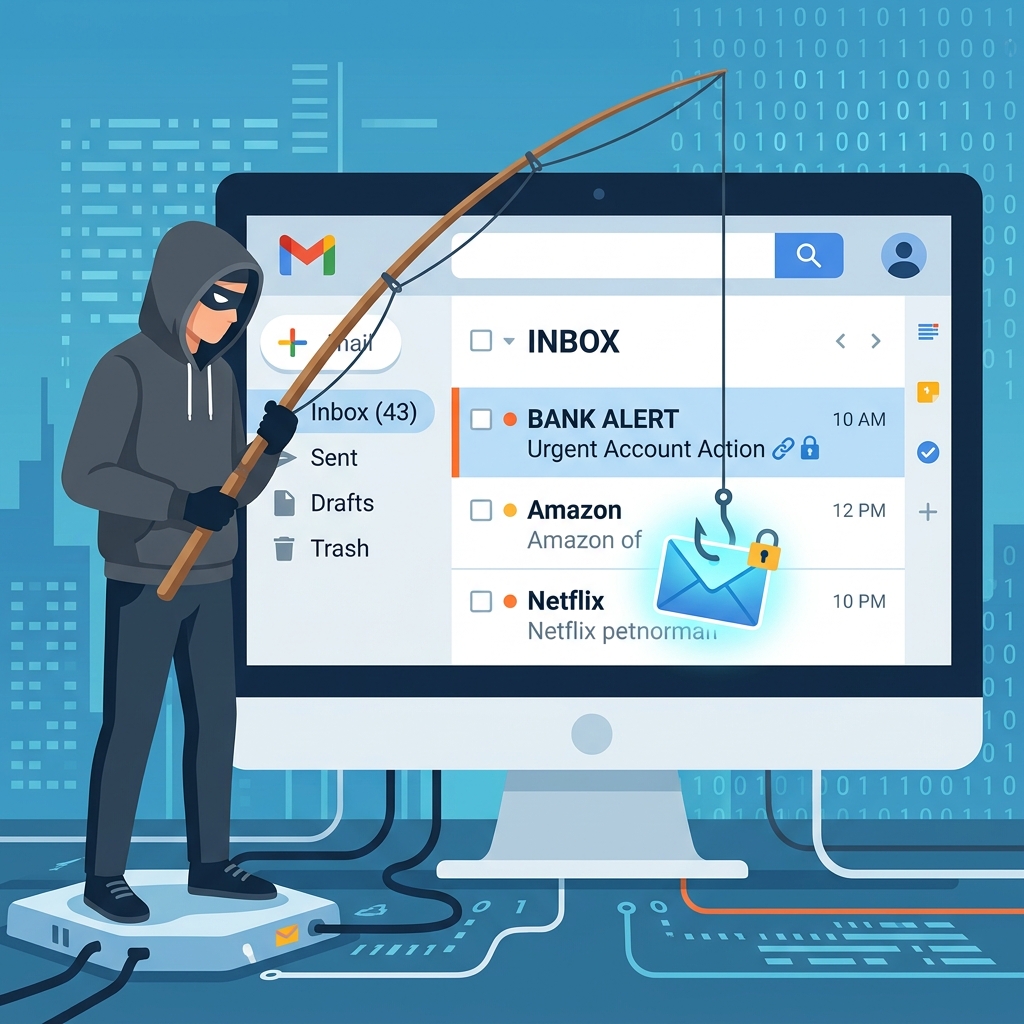
Your email account is the digital master key to your entire online life. From banking notifications to social media password resets, whoever controls your inbox controls your digital identity. When a hacker gains access, they rarely announce their presence. Instead, they operate quietly in the background, harvesting data, redirecting communications, and compromising linked accounts. You need to remain highly vigilant for the subtle red flags indicating a compromise.
One of the most obvious indicators is friends or colleagues receiving spam or phishing messages sent from your address. If someone asks you about a strange attachment you supposedly sent, take it seriously. Another major sign is finding unfamiliar password reset emails in your inbox or trash folder. Attackers use your email to request password resets for high-value targets like financial institutions or crypto wallets. You can use a Text Compare Tool to analyze the exact differences between legitimate correspondence and the strange emails being sent from your account.
Additionally, you might notice that emails you expect to receive are missing. Intruders often set up automated rules to forward certain types of emails directly to their own addresses or move them to the trash before you ever see them. Always check your email client's forwarding rules and filters. Strange login alerts from unrecognized devices or geographic locations also require immediate attention. Major providers like Gmail and Outlook send these alerts when they detect anomalous behavior.
How to Verify if You Have Been Hacked
If you suspect unauthorized access, you can verify your status using a combination of internal checks and trusted external resources. First, look at your account activity log. Google, Microsoft, and Yahoo all provide dashboards where you can review recent logins, active sessions, and the IP addresses associated with those sessions. If you spot a login from a country you have never visited, you have a major security incident on your hands.
Next, check public data breach repositories. Services like Have I Been Pwned or the Mozilla Monitor aggregate billions of records from known breaches. Entering your email address into these tools will tell you if your credentials were exposed in a third-party hack. While being in a breach does not guarantee your email itself was hacked, it means your password might be available to cybercriminals.
Sometimes, attackers hide malware in attachments that look like standard PDFs. If you receive suspicious documents, you might want to analyze them safely, perhaps by checking their size or structure. While simple, utilizing a PDF Compress Tool or a PDF Merge Tool on known safe files is fine, but never interact with strange attachments from unrecognized senders. The CISA Shields Up initiative provides excellent guidance on avoiding malicious payloads.
Common Ways Attackers Gain Access
Understanding how hackers breach accounts helps you block their entry points. Password reuse remains a massive vulnerability. If you use the same password for a fitness app and your email, a breach at the fitness app gives hackers the exact credentials they need to unlock your inbox. Credential stuffing attacks automate this process, trying leaked username and password combinations across thousands of websites.
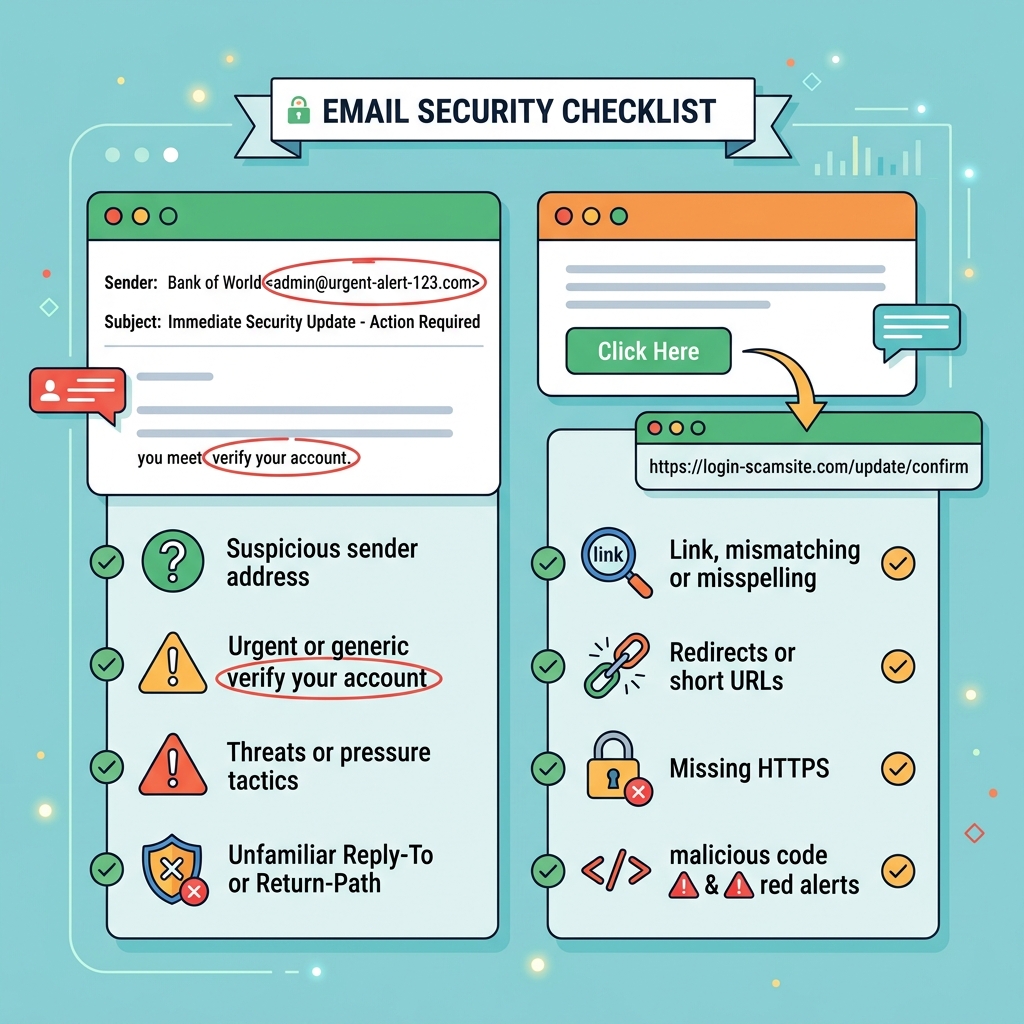
Phishing campaigns continue to evolve in sophistication. You might receive a highly convincing email appearing to be from your bank or an IT administrator asking you to verify your login details. These emails direct you to spoofed websites that capture your keystrokes. Some technical users even fall for malicious OAuth permissions, where an attacker tricks you into granting a rogue app access to read your emails. If you work with web tokens and suspect API abuse, running a check through a JWT Decoder Tool can help developers understand what permissions a specific token grants.
Malware and infostealers represent another significant threat. If you accidentally install malicious software on your device, it can harvest your saved session cookies, allowing attackers to bypass authentication entirely, even if you have two-factor authentication enabled. The Electronic Frontier Foundation (EFF) offers extensive resources on protecting your devices from unauthorized surveillance and data theft.
Immediate Steps to Secure Your Account
The moment you confirm or highly suspect a breach, you must act decisively to lock the attacker out. Do not wait. First, attempt to log into your account. If you still have access, immediately change your password. Your new password must be entirely unique, long, and complex. Consider using a passphrase or a dedicated password manager to generate a strong credential. If you are locked out, use the account recovery options, which typically involve sending a code to a backup email address or phone number.
After securing a new password, force a logout on all active sessions. In Gmail, you can scroll to the bottom right of the inbox, click "Details," and select "Sign out all other web sessions." This severs the attacker's connection if they are currently logged in. Once logged out, enable Multi-Factor Authentication (MFA) immediately. Choose an authenticator app or a hardware security key rather than SMS-based verification, which is vulnerable to SIM swapping attacks.
You must also review your account settings. Navigate to the forwarding and POP/IMAP settings to ensure no unauthorized email addresses are listed. Check your email filters for rules that automatically delete or archive incoming messages from your bank or crypto exchanges. Attackers use these rules to hide their tracks while draining your accounts. If you are parsing through log files or raw JSON data provided by a security audit, formatting it with a JSON Formatter Tool makes it much easier to read the raw activity logs.
Alert your contacts. Send a brief message explaining that your account was compromised and they should ignore any strange requests or links sent recently. This prevents the attacker from using your credibility to phish your friends, family, or business associates.
Advanced Strategies for Ongoing Security
Recovering from a hack is stressful, and your primary goal moving forward should be making a repeat incident nearly impossible. Start by auditing the third-party applications connected to your email account. Over the years, you likely granted access to dozens of apps, calendars, and productivity tools. Revoke access for any application you no longer use or do not recognize. The OWASP Top Ten highlights broken access control as a major vulnerability; limiting app permissions reduces your attack surface.
Keep your recovery information up to date. If an attacker changes your password and your recovery phone number is an old line you no longer own, recovering the account becomes exceptionally difficult. Verify your backup email and phone number every few months.
Practice good digital hygiene. Keep your operating system, web browser, and antivirus software updated. These updates contain critical patches for newly discovered vulnerabilities. When dealing with suspicious links or encoded text sent via email, you can use a Base64 Encoder/Decoder to analyze hidden strings without executing them directly in your browser. And if you are writing incident reports or documenting your security protocols, a Word Counter Tool can help ensure your documentation meets required lengths for compliance standards. The NIST Cybersecurity Framework provides excellent structural guidelines for personal and enterprise security documentation.
Consider using alias email addresses for different services. Instead of giving your primary email to every newsletter and e-commerce site, use a forwarding service or the native alias features provided by your email host. If a specific site suffers a data breach, you can easily disable that single alias without affecting your main inbox. You might even use an Age Calculator Tool to determine how long you have held certain accounts, helping you decide which legacy accounts are ripe for deletion.
Frequently Asked Questions (FAQ)
Can an email account be hacked just by opening an email?
Generally, no. Modern email clients block malicious scripts from running automatically when you simply view an email. The danger arises when you click a malicious link, download an infected attachment, or reply with sensitive information. However, zero-day exploits occasionally appear, so keeping your software updated is essential.
How do I know if my phone is hacked through my email?
If your email is compromised, attackers might use it to access accounts synced to your phone, like Apple ID or Google Play. Signs of a broader device compromise include rapid battery drain, unfamiliar apps appearing on your screen, slow performance, and unusual data usage spikes.
Will changing my password log out the hacker?
Changing your password prevents new logins, but it does not always terminate active, ongoing sessions immediately. You must manually force a sign-out on all other devices through your email provider's security settings to ensure the attacker loses their current access.
What if the hacker changed my recovery email and phone number?
This is a difficult scenario. You will need to go through the provider's manual account recovery process. This usually involves answering security questions, providing the exact date you created the account, detailing recent emails you sent, or verifying your identity with a government-issued ID.