
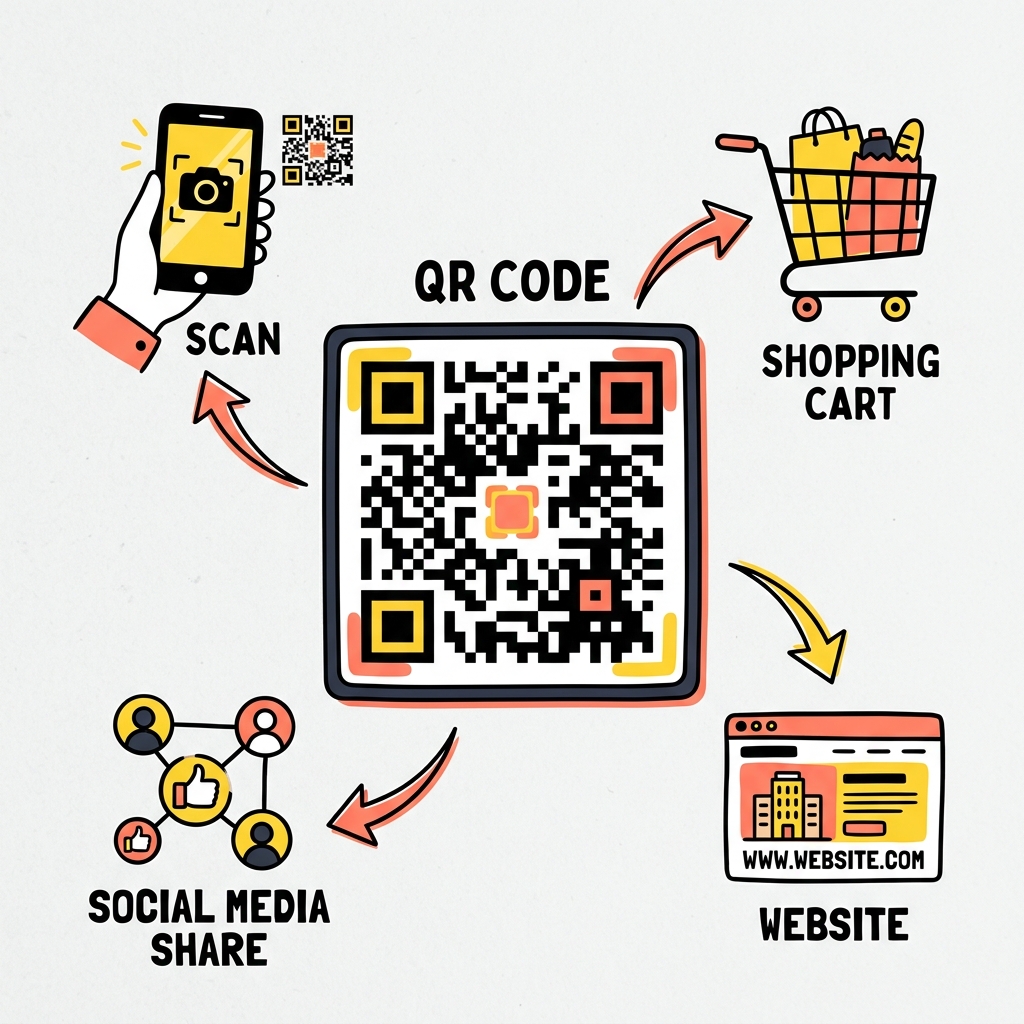
Key Takeaways
- Network Isolation: Always place guests on a dedicated guest network to protect your primary devices and sensitive data.
- QR Code Mechanics: WiFi QR codes store your SSID, encryption type, and password in plain text, making them incredibly convenient but entirely unencrypted once scanned.
- WPA3 Matters: Transition to WPA3 encryption for better protection against offline dictionary attacks and to ensure forward secrecy.
- Password Rotation: Frequently change guest network passwords, even if you are using a QR code for sharing.
Why Use WiFi QR Codes?
Handing out long, complex passwords to guests is tedious. Many times, you find yourself spelling out special characters or distinguishing between uppercase 'I' and lowercase 'l'. This friction often leads people to choose weak, easily guessable passwords for their home or small business networks, sacrificing security for convenience. By generating a WiFi QR code, you eliminate the need to dictate or type the password. Your guests just point their smartphone cameras at the code, tap the prompt, and connect instantly.
This approach allows you to implement highly complex, random passwords consisting of 20 or more characters without worrying about the user experience. You gain the benefits of strong security without the usual complaints from visitors trying to get online. When you use a random string of characters, a Word Counter can help verify the length of passphrases if you rely on multi-word combinations, ensuring they meet length guidelines recommended by organizations like the National Institute of Standards and Technology (NIST). Security experts regularly advise that passphrases should be long enough to resist automated brute-force attacks while remaining functional across different operating systems.
Small businesses, cafes, and waiting rooms benefit immensely from this solution. Instead of printing a password on a receipt or chalking it onto a blackboard—where characters can easily be misread—a clear, printed QR code provides a frictionless onboarding experience. It significantly reduces technical support requests from customers who just want a quick internet connection to check their emails. Moreover, businesses can update the WiFi password as often as they like and simply print a new code, maintaining high security standards without causing chaos for new arrivals.

How Do WiFi QR Codes Actually Work?
A QR code is simply a two-dimensional barcode that stores information. In the context of wireless networks, it stores a formatted text string that modern operating systems (iOS, Android, Windows, macOS) recognize as a WiFi configuration payload. The format looks like this: WIFI:S:MyNetworkName;T:WPA;P:MySuperSecretPassword;;. It is a structured sequence of characters parsed by the camera application or operating system network stack.
The "S" stands for the Service Set Identifier (SSID), which is the name of your network. The "T" represents the type of encryption in use, typically WPA or WPA2/WPA3. The "P" holds your password. Because this information is embedded directly within the image, anyone who scans the code has full access to the credentials. There is no underlying encryption in the QR code itself. If you ever want to see exactly what is encoded in a given QR code, you can use a Text Compare Tool to analyze the output string against another text format, or examine raw outputs to understand structural differences in the formatting.
It is essential to recognize that QR codes for Wi-Fi are fundamentally plaintext carriers. The image matrix translates perfectly into readable characters. When your device scans it, the operating system looks for the "WIFI:" prefix. Upon detecting it, the OS automatically parses the subsequent fields delimited by semicolons. This mechanism does not involve any cryptographic hash functions or secure token exchanges at the optical reading level. It merely automates the task of typing data into the network login screen. Understanding this limitation helps clarify why treating the physical code with care is an important security step.
The Security Risks of Sharing WiFi
Sharing network access carries inherent risks, regardless of the method you use. When a device joins your network, it typically sits behind the same firewall as your personal devices—laptops, smart home gadgets, and network-attached storage drives. If a guest device is infected with malware, it could attempt to scan your local subnet, looking for vulnerable services. This type of lateral movement is a common tactic observed in widespread ransomware attacks. The Cybersecurity and Infrastructure Security Agency (CISA) regularly warns about the dangers of flat networks where all devices communicate freely without segmentation.
Furthermore, printing a QR code and displaying it in a public area means anyone who walks by can capture it. Unlike a password you whisper to a friend, a physical QR code on a counter can be photographed by delivery personnel, contractors, or neighbors. If you do print one out, treat it as public information and plan your network topology accordingly. Once the code is scanned and saved in a guest's device, their operating system remembers the credentials. If their phone is compromised or if they back up their network settings insecurely, your password might leak.
Another risk factor involves network impersonation. An attacker who photographs your QR code gains knowledge of your exact SSID and encryption scheme. They can set up a rogue access point (an "Evil Twin") broadcasting the same network details. When guests return, their devices might automatically connect to the malicious hotspot instead of your legitimate router, allowing the attacker to intercept web traffic, capture login credentials, and deliver malicious payloads. This threat highlights why robust guest network configuration goes far beyond simply obfuscating the password.
Step-by-Step: Generating Secure WiFi QR Codes
Creating a WiFi QR code requires combining your network details into the standard format mentioned earlier and generating the visual matrix. Follow these structured steps to ensure maximum compatibility and security across all modern mobile platforms.
- Identify your exact SSID: Network names are case-sensitive. Ensure you have the exact spelling, spacing, and capitalization. If your network is named 'MyHomeWiFi', generating a code for 'myhomewifi' will fail silently on the guest's device, leaving them frustrated and unable to connect.
- Determine your encryption type: Check your router settings to see if you are using WPA2-PSK, WPA3, or a mixed mode. You will need to specify this when generating the code to match the expected authentication handshake.
- Set a strong passphrase: Use a random string of at least 16-20 characters. You can use standard password managers to generate these strings. Resist the temptation to use a memorable word just because you feel a human needs to read it; the QR code takes care of the reading process.
- Use a trusted generator: Look for open-source or highly reputable QR code generators that process the data locally in your browser. Since you are entering your actual network password, you want to ensure the site is not logging your keystrokes or transmitting the data to a backend server.
- Print and verify: Once the code is created, test it on both an Android and an iOS device before sharing it widely. Use a high-quality printer to ensure the QR code matrix is crisp and free of ink smudges, which can interfere with the camera's ability to interpret the data blocks correctly.
For web developers integrating WiFi generation into local applications, data formatting is key. Sometimes you might need to encode network properties or logs securely. You could rely on a Base64 Encoder for transferring small blobs of non-sensitive binary data in text fields, or use a JSON Formatter when handling API requests to custom QR generation services. Validating inputs precisely helps eliminate edge cases where special characters in the password disrupt the QR payload parsing.
Best Practices for Guest Networks
Generating the QR code is only one part of the equation. To maintain a secure environment, you need to structure your network to isolate guests from your primary devices. Without proper segmentation, a compromised guest device can spread malicious software rapidly across your private local area network.
Almost all modern consumer routers include a "Guest Network" feature. Enabling this feature creates a separate SSID and typically assigns guest devices to an entirely different subnet. Most importantly, it activates "Client Isolation" (sometimes called AP Isolation), which prevents wireless clients from talking to each other. With this setting turned on, guest devices can only communicate directly with the internet, blocking access to your smart TVs, shared folders, and home automation systems. The Open Worldwide Application Security Project (OWASP) highly recommends segmentation for IoT devices and guest users alike. Taking this simple step vastly decreases your attack surface area.
Rotate your guest network password periodically. If you host a party and provide the QR code, change the password the next day. Re-generate and print a new QR code. This ensures that old devices do not automatically reconnect when passing by your property. This practice limits your exposure window significantly. In commercial environments, network administrators might implement captive portals that require a secondary layer of authentication—such as an email address or SMS verification—even after the QR code is scanned, providing a higher degree of accountability.
WPA2 vs WPA3 Encryption
When setting up the guest network to link via QR code, you must choose an encryption protocol. WPA2 has been the standard for over a decade but has known vulnerabilities, such as the KRACK attack. The Wi-Fi Alliance introduced WPA3 to address these shortcomings, providing much stronger protections even when users choose weak passwords. Moving to newer protocols builds resilience against sophisticated, automated intrusion tactics.
WPA3 utilizes Simultaneous Authentication of Equals (SAE) instead of the Pre-Shared Key (PSK) handshake found in WPA2. SAE protects against offline dictionary attacks, meaning an attacker who captures the handshake cannot simply take it home and run massive computational guessing routines to find the password. Instead, they must interact with the router directly for each guess, triggering defense mechanisms that block repeated rapid failures. Additionally, WPA3 provides forward secrecy; if someone somehow compromises your password in the future, they cannot decrypt old traffic they captured in the past. This makes WPA3 ideal for highly trafficked guest spaces.
If all your devices support it, set your guest network to WPA3-only. If you have older smart home gadgets or older guest phones, you may need to use WPA2/WPA3 mixed mode, though this does allow for some downgrade attacks in highly targeted scenarios. Enterprise environments manage these connections and identity tokens with strict protocols; developers might find a JWT Decoder useful when testing application-layer authentication running over these networks. Furthermore, maintaining an awareness of digital rights and tracking is essential, similar to the work done by the Electronic Frontier Foundation (EFF) in promoting strong privacy tools and encryption standards for the general public.
Frequently Asked Questions (FAQ)
Can anyone who sees the QR code join my network?
Yes. The QR code contains your network name and password in plain text. Any modern smartphone camera can read it, decode it, and prompt the user to connect without any additional verification. Keep printed codes away from windows where they might be visible from the street, and treat them just like a written-down password.
Is it safe to use online QR code generators?
You must be cautious. A malicious website could record the SSID and password you enter and log your IP address, giving attackers your location and network credentials. Stick to generators that process data purely in the browser using client-side JavaScript, or use the built-in generator found in your smartphone's WiFi settings. Reviewing open-source code for online generators adds a layer of confidence.
Why does my phone not connect when scanning the code?
This usually happens due to a typo in the network name (SSID), incorrect password capitalization, or selecting the wrong encryption type (e.g., choosing WEP instead of WPA) during the generation process. Ensure all details perfectly match your router's configuration. Sometimes, outdated operating systems on older phones simply fail to parse the `WIFI:` string correctly.
Do QR codes work with Hidden Networks?
Yes, but the string format requires a slight modification. You must append an extra parameter (typically `H:true;`) to tell the scanning device that the network is hidden and it needs to actively probe for it. Note that hiding your network is generally poor for security and privacy, a stance supported by Mozilla's privacy research which highlights how devices constantly broadcast hidden SSIDs wherever you go, potentially tracking you.
How do I change the password embedded in the code?
You cannot modify an existing printed QR code because the data is hardcoded into the visual patterns. If you change your router's WiFi password, you must discard the old printed copies and generate an entirely new QR code containing the updated password.