
The Chaos of Modern Work
The modern professional operates in an environment of unprecedented complexity. We are bombarded daily by hundreds of emails, instant messages from colleagues, ad-hoc requests from management, and our own personal life responsibilities. If you rely on your brain to remember all of these open loops, you will inevitably drop the ball. Furthermore, trying to remember everything creates a constant background hum of cognitive anxiety that destroys your ability to focus.
Task management is not just about writing a to-do list; it is about creating a trusted external system where your tasks can live securely until it is time to execute them. By offloading this information from your brain into a reliable system, you free up massive amounts of mental RAM that can be dedicated to actual problem-solving and creative work.
However, there is no one-size-fits-all solution. A creative writer needs a different system than an agile software developer or a marketing executive. In this guide, we will break down the most effective, battle-tested task management strategies used by top performers, allowing you to select and hybridize the methods that work best for your unique workflow.
1. Getting Things Done (GTD)
Created by productivity consultant David Allen, Getting Things Done (GTD) is arguably the most famous task management methodology in the world. The core premise of GTD is elegantly simple: your mind is for having ideas, not holding them.
GTD operates on a five-step workflow:
- Capture: Write down absolutely everything that has your attention—tasks, ideas, projects, groceries. Put it into an "inbox" (physical or digital).
- Clarify: Process your inbox. Is it actionable? If yes, what is the very next physical action required? If it takes less than two minutes, do it immediately. If not, delegate it or defer it.
- Organize: Put the deferred tasks into the right categories (e.g., calls to make, errands to run, items waiting on someone else).
- Reflect: Review your lists frequently to keep the system clean and trusted. A comprehensive weekly review is mandatory.
- Engage: Simply do the work, confident that you are working on the right thing at the right time.
GTD is incredibly comprehensive. It is best suited for professionals who juggle multiple complex projects and have a high volume of incoming information that needs to be categorized.

2. The Kanban Methodology
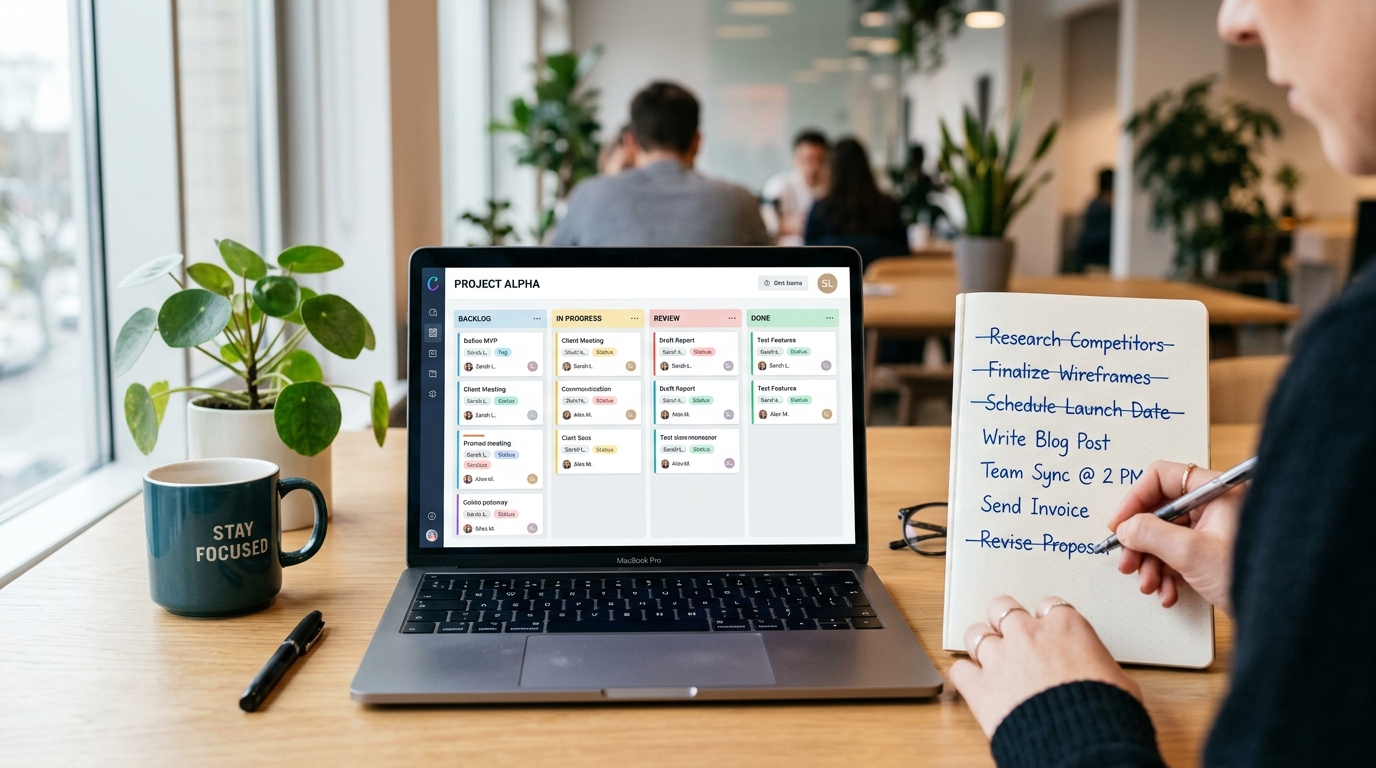
Originating from the Toyota manufacturing floors in the 1940s, Kanban is a visual task management framework. It relies on a board divided into columns representing different stages of a workflow. The most basic Kanban board consists of three columns: To Do, Doing, and Done.
Tasks are represented by cards (or sticky notes). As work progresses, the card moves from left to right across the board. The true power of Kanban, however, lies in its strict rule regarding Work In Progress (WIP) limits. You might dictate that you can only have a maximum of three cards in the "Doing" column at any given time.
This WIP limit physically prevents you from multitasking. It forces you to finish what you have started before pulling new work into your active queue, significantly reducing bottlenecks and delivery times. Kanban is highly recommended for visual thinkers, software development teams, and content creators who follow a linear production process.
3. The Eisenhower Matrix
Named after former US President Dwight D. Eisenhower, this strategy is less about organizing tasks and more about ruthless prioritization. It forces you to evaluate tasks based on two criteria: Urgency and Importance. You draw a 2x2 grid and place your tasks into one of four quadrants:
- Quadrant 1 (Urgent & Important): Do these immediately. Crises, looming deadlines, server outages.
- Quadrant 2 (Not Urgent & Important): Schedule these. This is where deep work, strategic planning, and relationship building happen. Highly productive people spend most of their time here.
- Quadrant 3 (Urgent & Not Important): Delegate these if possible. Interruptions, unnecessary meetings, other people's emergencies.
- Quadrant 4 (Not Urgent & Not Important): Delete these. Mindless web browsing, busywork, checking social media.
The Eisenhower Matrix is the perfect antidote to the "busy trap," where you spend all day putting out fires (Q1 and Q3) without ever making progress on your long-term goals (Q2).
4. Time Boxing & Task Batching
While the previous strategies tell you what to do, time blocking tells you when to do it. Instead of working from a to-do list, you schedule every minute of your day on your calendar. If a task is not on the calendar, it does not get done.
Task Batching is a critical component of time blocking. Context switching—jumping from coding to emailing to a meeting and back to coding—imposes a massive cognitive penalty. To combat this, you batch similar tasks together. For example, instead of answering emails sporadically throughout the day, you schedule one 45-minute block at 11:00 AM and another at 4:00 PM to process all communications at once.
If you are working on demanding tasks within these blocks, utilizing an Online Pomodoro Timer can help enforce strict start and stop times, ensuring you do not burn out.
5. The "Eat the Frog" Strategy
Mark Twain famously said, "If it's your job to eat a frog, it's best to do it first thing in the morning." In productivity terms, the "frog" is your biggest, most important, and usually most dreaded task of the day. It is the task you are most likely to procrastinate on.
The Eat the Frog strategy dictates that you do not open your email, you do not attend a meeting, and you do not check your messages until that one critical task is complete. By tackling the hardest thing when your willpower is highest (the morning), you guarantee that every single day results in meaningful progress, regardless of what fires break out in the afternoon.
How to Choose the Right System
The biggest mistake people make is constantly switching between productivity apps, hoping software will magically solve their organizational problems. The truth is, a good system executed on pen and paper will always beat a bad system executed on expensive enterprise software.
Start simple. If you are constantly overwhelmed by tiny details, implement the GTD capture method. If you struggle with prioritization, spend a week filtering your tasks through the Eisenhower Matrix. If you find yourself multitasking constantly, set up a strict Kanban board with WIP limits.
As your workflow evolves, you will naturally hybridize these methods. You might use GTD to capture tasks, the Eisenhower Matrix to prioritize them, and Time Blocking to execute them. Do not be afraid to experiment, but remember that the ultimate goal of any task management strategy is to spend less time organizing work and more time actually doing it.
Frequently Asked Questions (FAQ)
Is it better to use digital tools or pen and paper?
It entirely depends on your personal preference. Pen and paper offer zero digital distractions and have a tactile satisfaction when crossing items off. However, digital tools (like Notion, Trello, or Jira) are vastly superior for searching, organizing recurring tasks, and collaborating with remote teams. Many top performers use a hybrid approach: digital for the master backlog, and a physical notepad for the daily execution list.
What happens if I consistently fail to complete my time blocks?
If you are consistently failing to complete tasks within their scheduled time blocks, you are falling victim to the planning fallacy—underestimating how long work actually takes. For the next week, track your time meticulously. Then, when scheduling blocks, automatically add a 30% to 50% buffer to your initial estimates. It is better to finish early than to constantly feel behind.
Can these strategies work for creative tasks like writing or design?
Yes, but they must be adapted. Creative work cannot always be forced into strict 30-minute boxes. For creative output, Time Blocking is excellent for reserving large chunks of uninterrupted time (e.g., a 3-hour block for "Deep Writing"). You can also pair this with a Word Counter to track your daily progress without getting bogged down in micro-management.
How much time should I spend organizing my tasks?
A common trap is "productive procrastination," where you spend three hours color-coding your Kanban board instead of doing the work. You should spend no more than 10-15 minutes at the end of the day planning for tomorrow, and perhaps 30-60 minutes once a week for a comprehensive review (the GTD Weekly Review). The rest of your time should be spent executing.