Instantly convert ancient Modi legacy scripts into modern standard Devanagari Unicode. A secure, offline-first tool to digitize historical Marathi manuscripts effortlessly.
The Significance of the Modi Script
The Modi script (मोडी लिपी) is a historically rich and intricate writing system that was extensively used to write the Marathi language. Originating around the 13th century and formalized during the reign of the Maratha Empire, Modi was primarily employed as a cursive, shorthand script for rapid administrative and diplomatic correspondence. Unlike standard Devanagari, Modi was designed to be written continuously without lifting the pen, making it highly efficient for state clerks, historians, and scholars.
Today, immense troves of historical documents, property records, genealogies, and regional literature in Maharashtra are preserved in the Modi script. During the early days of digital typography, efforts to digitize these documents resulted in "Modi Legacy" fonts (such as Hemadpant). However, these legacy fonts simply mapped English ASCII characters to Modi-like glyphs. This means the underlying data is not machine-readable, cannot be searched online, and breaks entirely if the specific proprietary font is uninstalled.
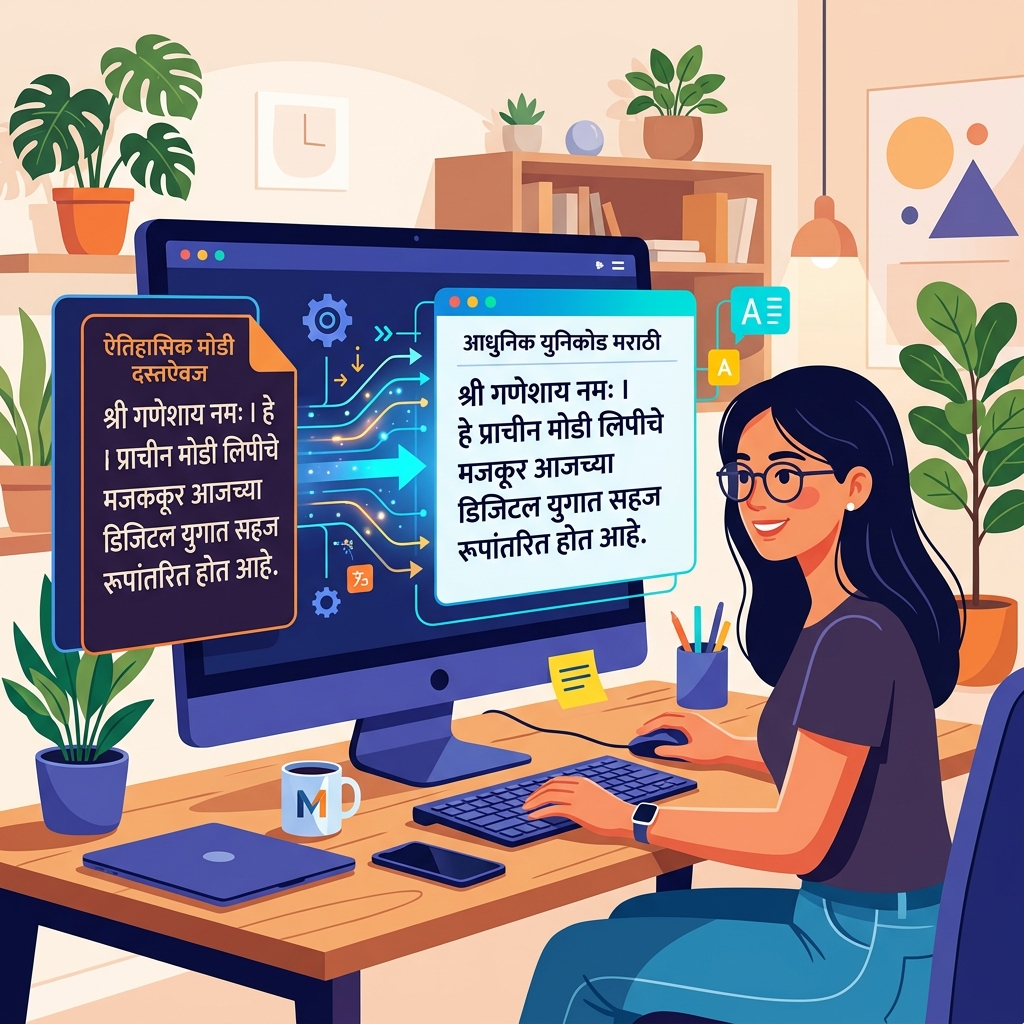
Why Do We Need to Convert Modi Legacy to Unicode?
To truly bring Maharashtra's rich historical archives into the 21st century, these legacy encodings must be translated into standard Unicode. While the Modi script does have its own dedicated Unicode block, the most universally accessible and widely adopted method for digitizing Marathi content today is to convert it into the standard Devanagari Unicode block. This allows the text to be instantly readable across all devices, operating systems, and web browsers globally.
When you convert your legacy documents using our Modi Legacy to Unicode Converter, you immediately unlock several critical capabilities:
- Universal Accessibility: Your translated text will correctly render as Marathi on Windows, macOS, Android, and iOS natively.
- Search Engine Optimization (SEO): Web crawlers (like Google) cannot read legacy ASCII encodings. Converting your historical blogs and archives into Unicode ensures that researchers and students can actually discover your content online.
- Data Integrity: Unicode is the permanent global standard. Your archives will never again suffer from "broken fonts" or unreadable gibberish text when transferring files between different computers or modern software platforms.
A Deep Dive into Modi Legacy Character Mapping
Understanding how older, Krutidev-style keyboards map to modern Devanagari Unicode characters helps demystify the conversion process. Here is a brief look at the typical character mapping framework that our engine processes behind the scenes when converting your legacy Modi keystrokes:
| English Keystroke (Legacy) |
Devanagari Unicode Result |
Phonetic Description |
| v |
अ |
A (Vowel) |
| k |
आ / ा |
Aa (Vowel / Matra) |
| d |
क |
Ka (Consonant) |
| s |
ख |
Kha (Consonant) |
| x |
ग |
Ga (Consonant) |
| u |
च |
Cha (Consonant) |
| p |
ज |
Ja (Consonant) |
| w |
ट |
Ta (Consonant) |
This table demonstrates how our robust algorithm accurately maps and reorders complex consonant-vowel combinations to perfectly match modern Unicode standards, specifically resolving the complex "matra" positioning rules native to Indian scripts.
How to Use This Converter Effectively
We designed this platform with ease of use and strict data privacy in mind. Follow these simple steps to digitize your text:
- Paste Your Text: Copy your legacy Modi text from older software like PageMaker, MS Word, or legacy web pages, and paste it directly into the "Source Input" box on the left.
- Automatic Real-Time Processing: The conversion happens instantly in the background. Our advanced parsing engine meticulously resolves half-characters, complex ligatures, and displaced vowel modifiers.
- Copy and Share: The resulting modern text will dynamically appear in the "Live Output" box. You can then copy the pristine Devanagari text and paste it safely onto modern social media platforms, databases, or modern word processors.
If you prefer phonetic typing directly, you can toggle the "Modern Typing" feature. This activates our AI-assisted transliteration engine, allowing you to type in English (e.g., "namaskar") and seamlessly output accurate Marathi ("नमस्कार").
Built for Historians, Researchers, and the General Public
Digitizing heritage archives is an incredibly critical mission. This tool empowers academics studying Maratha history, genealogical researchers, and local archivists to process legacy documents with unprecedented speed and accuracy. Furthermore, we take your data privacy incredibly seriously. Unlike other online converters that transmit your data to remote cloud servers, our conversion engine operates 100% locally within your browser. Your sensitive historical texts, personal documents, and proprietary data never leave your personal computer.
By bringing these regional scripts out of obsolete proprietary formats and into the universal Unicode standard, we ensure that Marathi culture and history are firmly embedded in the global digital ecosystem for future generations to explore. To learn more about the fascinating history and evolution of the script itself, we recommend reading the detailed Wikipedia article on the Modi script. Additionally, if you work with a variety of other ancient or regional Indian scripts, be sure to explore our Shree Lipi to Unicode converter and our robust Kiran Marathi font tool located in our main Tools directory.
