Convert legacy Kiran Marathi font to Unicode instantly. Optimize your Marathi text for digital publishing, web compatibility, and modern typing platforms.
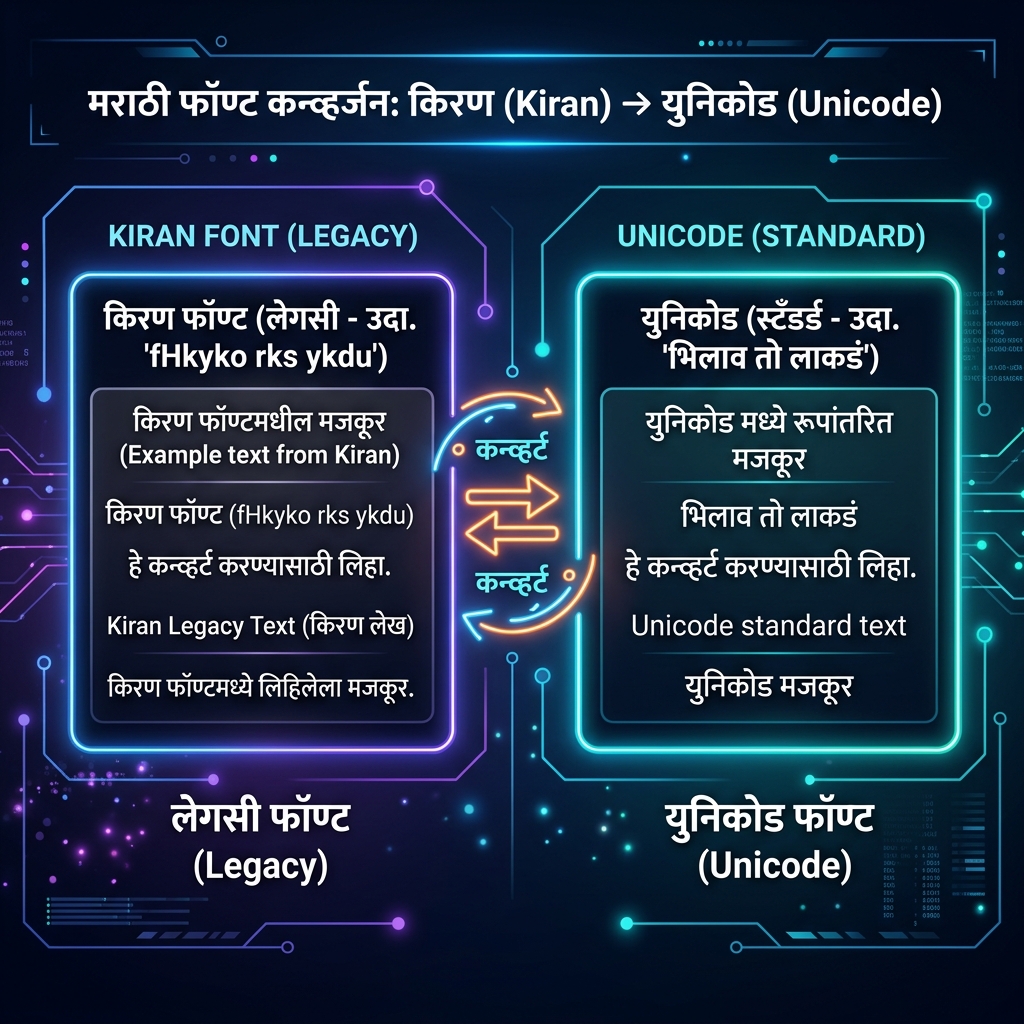
In the digital landscape of Maharashtra and Marathi publishing, the transition from legacy fonts to modern encoding remains a significant hurdle. For decades, typists, publishers, and graphic designers have relied heavily on the Kiran Marathi font. While excellent for print, this legacy encoding breaks entirely on modern web browsers and mobile devices. Our advanced Kiran Marathi to Unicode Converter bridges this technological gap, allowing you to seamlessly transform old documents into universally readable Unicode text.
Why Convert Kiran Marathi to Unicode?
Unlike Unicode, which assigns a unique identifier to every character regardless of platform, legacy fonts like Kiran use a typewriter-based Remington layout. This means the computer sees the characters as English letters that are just visually stylized to look like Marathi. Converting is not optional; it is mandatory for digital survival.
- Universal Web Compatibility: Unicode Devanagari text renders flawlessly on Google Chrome, Safari, Android, and iOS without requiring users to download custom font files.
- Search Engine Optimization (SEO): Search engines cannot read legacy fonts. By converting to Unicode, your Marathi content becomes searchable, allowing you to dominate local SEO rankings in Maharashtra.
- Social Media Ready: You cannot post Kiran font directly to Facebook, WhatsApp, or Twitter. Unicode conversion is the only way to share your Marathi thoughts on modern platforms.
- Data Portability: Moving from MS Word to a modern CMS (like WordPress) requires Unicode. Without it, your text appears as garbled English gibberish.
AEO & GEO: Preparing Your Marathi Content for AI
With the rise of Answer Engine Optimization (AEO) and Generative Engine Optimization (GEO), AI tools like ChatGPT, Gemini, and Claude are actively scraping the web to answer user queries. These AI models exclusively read Unicode. If your vast archive of Marathi literature, news, or educational content remains trapped in Kiran legacy encoding, you are invisible to the AI revolution. Converting your text ensures that when a user asks an AI a question in Marathi, your optimized content can be cited as a highly relevant source.
How to Use the Kiran to Unicode Converter
We have engineered this tool for maximum efficiency and privacy. It runs entirely in your local browser, meaning your sensitive documents are never uploaded to any external server.
- Step 1: Paste Your Text. Copy your legacy Kiran text from MS Word, PageMaker, or CorelDraw, and paste it into the 'Source Input' box.
- Step 2: Instant Translation. Our robust conversion engine instantly maps the complex Remington layout (including half-characters and shifted matras) to standard Unicode Devanagari in the 'Live Output' box.
- Step 3: Try Modern Typing. If you prefer to type phonetically in English (e.g., typing "namaskar" to get "नमस्कार"), click the Modern Typing button. This integrates advanced Google transliteration technology directly into your workflow.
- Step 4: Copy and Deploy. Click 'Copy Result' and paste your fresh Unicode text into any modern application.
Pro Tips for Marathi Digital Creators
- Tip 1: Double-Check Complex Matras. While our engine is highly accurate, legacy typing habits vary. Always do a quick visual scan of complex conjunct characters (Jodakshar) after conversion.
- Tip 2: Enhance Your Content. Once your Marathi text is in Unicode, you can style it using our Fancy Text Generator for eye-catching social media posts.
- Tip 3: Check Your Network. If you are using our real-time 'Modern Typing' feature, ensure a stable connection. You can use our DNS Checker if you experience network latency.
Preserving Maharashtra's Digital Heritage
Do not let valuable Marathi literature fade into digital obscurity due to outdated technology. By systematically converting your archives, you contribute to the rich, accessible tapestry of Indian languages online. For more information on the Devanagari Unicode block standards, you can review the official documentation provided by the Unicode Consortium. Explore our other Text Tools for comprehensive digital publishing solutions.
