Regional Pakistan Font Converter — 100% Secure & Private.
InPage Legacy
Unicode
Source Input
Live Output
What is InPage Font?
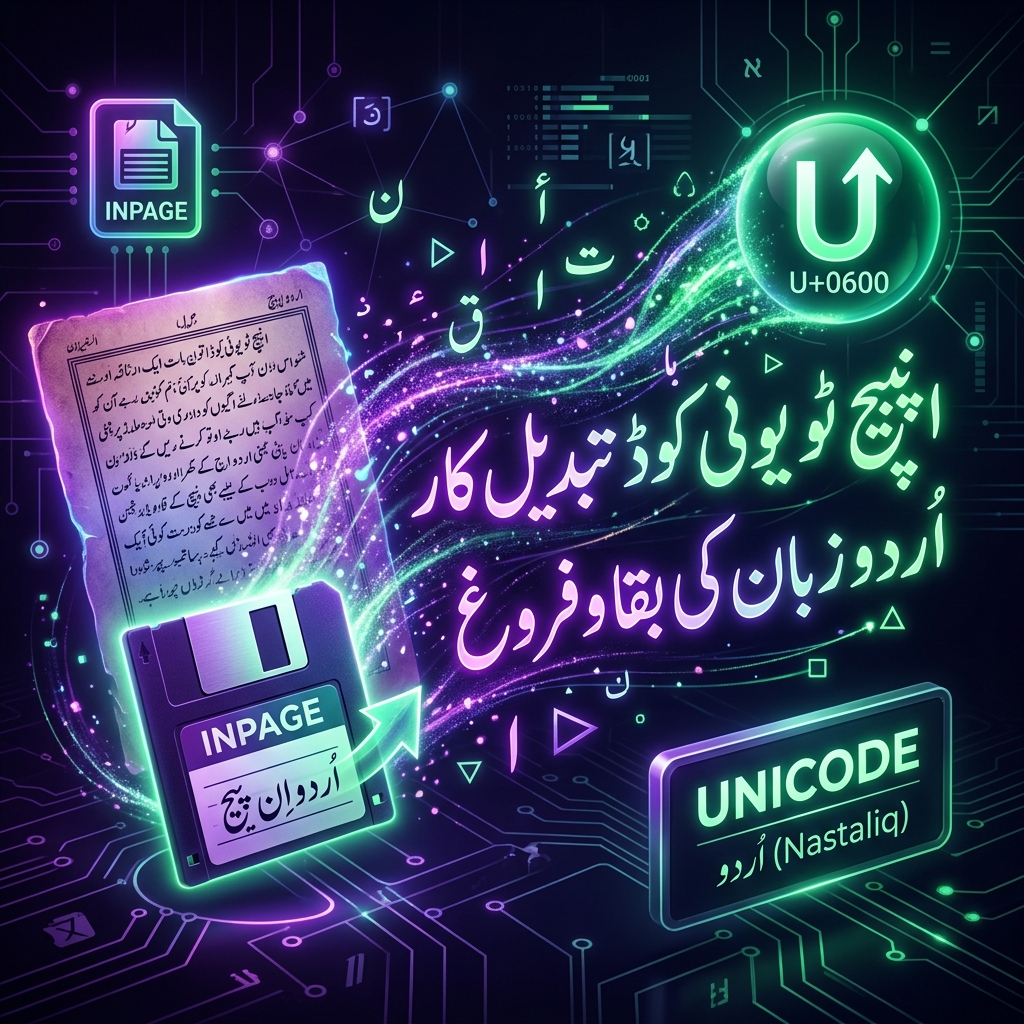
InPage is a legacy encoding used for Pakistan regional script typing. Because it maps characters to standard keyboard keys rather than Unicode positions, this tool is required to convert InPage text into modern Unicode for web display and digital publishing.
Privacy & Offline Support
Our InPage font converter runs entirely in your browser. None of the text you type or convert is sent to any server. This makes it perfect for private document processing and ensures zero data leaks.
Quick Guide
1
Paste your InPage text into the source input area.
2
The tool will instantly convert it to standard Unicode below.
3
Click 'Copy Result' to use the Unicode text anywhere online.
4
Use the Vicerversa (Swap) button to convert from Unicode back to InPage.
Technical Specs
Encoding Engine
Our high-performance engine uses a two-pass mapping system to resolve character swaps and script-specific vowel reordering rules, ensuring that your text remains linguistically accurate after conversion.
Unicode is the industry standard for consistent encoding, representation, and handling of text across most of the world's writing systems. Legacy fonts like InPage were designed before Unicode adoption.
Verified by Expert Editorial Team
InPage to Unicode Converter (Urdu/Arabic)
Convert legacy InPage Urdu documents into standard Unicode. Ensure your right-to-left Nastaliq script is perfectly readable on modern websites and smartphones.
For decades, InPage was the absolute industry standard software for publishing Urdu, Arabic, and Persian documents. It revolutionized desktop publishing in the Middle East and South Asia by flawlessly rendering the complex, sweeping calligraphy of the Nastaliq script. However, InPage used a proprietary, closed-source file format (`.inp`) and a custom character encoding system. If you attempt to copy text directly out of an older version of InPage and paste it into a modern web browser, it turns into unreadable garbage. The InPage to Unicode Converter mathematically unlocks these legacy files, translating the proprietary Urdu codes into universal, searchable Unicode.
The Complexity of Nastaliq Typography
Standard Arabic (Naskh script) is relatively linear, making it easy for early computers to render. Urdu, however, relies heavily on Nastaliq, a cascading, diagonal script where letters physically drop and merge depending on their position in the word.
Early versions of Windows could not process this complexity, which is why publishers relied entirely on InPage's proprietary rendering engine. Today, modern operating systems natively support complex Nastaliq rendering via standard Unicode, rendering the old InPage proprietary encoding completely obsolete for digital communication.
Right-to-Left (RTL) Rendering Challenges
Urdu and Arabic are written Right-to-Left (RTL). When converting legacy text, the algorithm must not only swap the character codes but also ensure that the directional control characters are properly preserved.
If the RTL markers are destroyed during conversion, punctuation marks (like periods and commas) will jump to the wrong side of the sentence, and mixed-language documents (e.g., an Urdu paragraph containing an English name) will visually shatter. Our converter carefully preserves bidirectional (BiDi) formatting to ensure your paragraphs remain structurally intact.
How to Convert InPage Text
You cannot simply upload an `.inp` file directly. You must first open the document inside the InPage software, select the text, copy it, and then paste that raw text into the converter's input box.
The system will instantly parse the proprietary encoding and output flawless Unicode Urdu (`اردو`). You can now safely copy this text and use it on Facebook, WhatsApp, or any modern CMS. If you are converting text from a different Arabic-based script, check our Arabic Legacy Converter.
Official & Archival Preservation
Millions of Urdu newspapers, legal documents, state records, and religious texts are currently trapped in legacy InPage formats on old hard drives.
Because search engines like Google cannot read InPage files, this massive wealth of literature is completely invisible on the internet. Officially adopted by numerous South Asian media outlets, government archives, and university language departments, this tool provides a secure, instantaneous pathway to migrate decades of print history into modern digital databases, making vital cultural and administrative texts accessible to a global audience.
Expert Insights & FAQs
Quick answers to common questions about this utility.
3 Frequently Asked Questions
Can I convert Unicode back to InPage?
Yes, the tool supports bidirectional conversion. If you receive modern Unicode text via email but need to lay it out for a physical newspaper print run using an older, highly specific version of InPage, you can use the reverse toggle.
Why did a complex word merge incorrectly?
Nastaliq typography is incredibly complex. While the underlying Unicode characters will be 100% correct, the visual rendering depends entirely on the font your web browser uses (e.g., Jameel Noori Nastaleeq). If the browser defaults to a standard Arabic font, the text will be readable, but it won't have the sweeping, cascading look of true Urdu Nastaliq.
Can I convert the entire .inp file at once?
No, this is a text-string converter, not a file parser. You must physically extract the text from the `.inp` file using the InPage software first. The proprietary `.inp` file architecture contains massive amounts of binary layout data that our web converter cannot process directly.