Convert legacy Malayalam fonts to Anjali Old Lipi and Unicode instantly. Optimize your Malayalam texts for modern web standards, AI (AEO/GEO), and SEO.
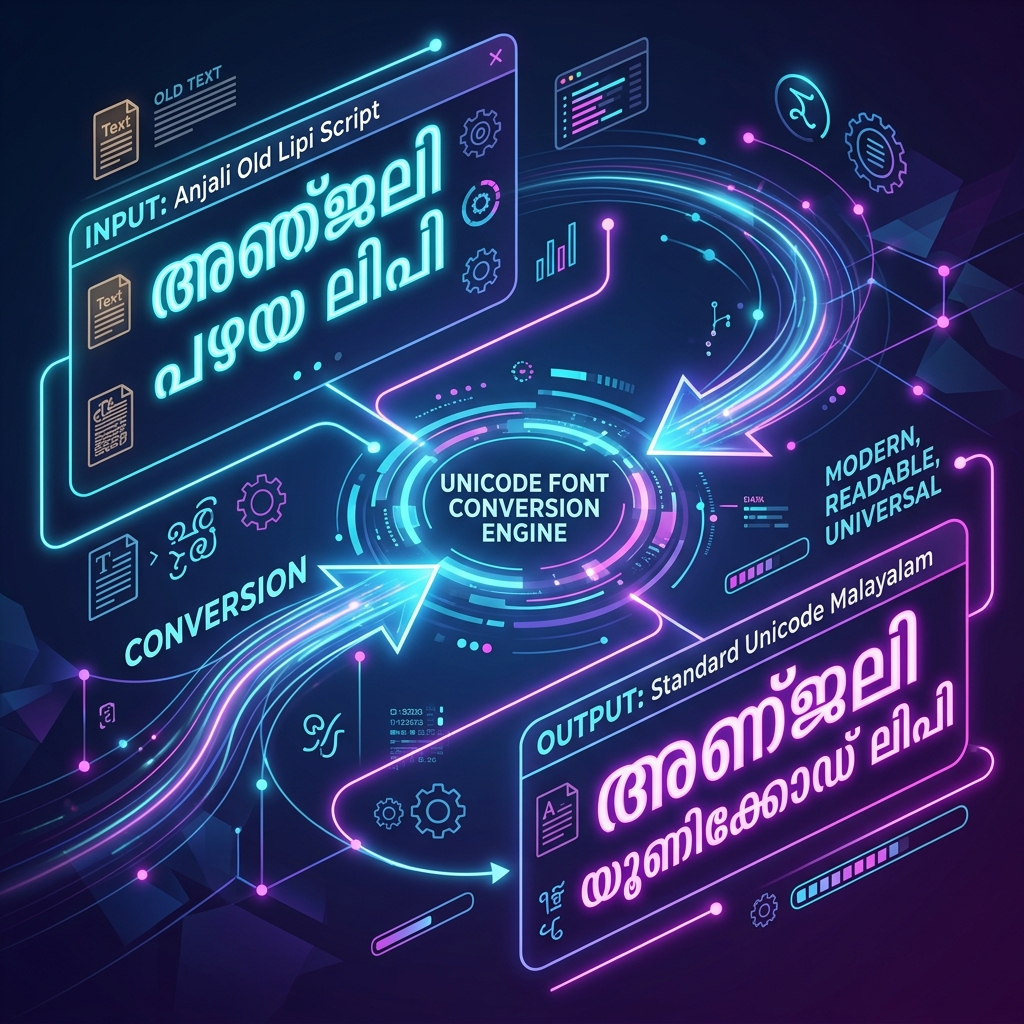
If you've spent any time working with traditional Malayalam publishing, graphic design, or desktop publishing (DTP), you're undeniably familiar with legacy fonts and the beautiful traditional script representations like Anjali Old Lipi. For decades, legacy encodings were the absolute standard for typing in Malayalam. However, in the modern digital age, typing in these legacy fonts directly into a web browser, social media post, or mobile app yields gibberish English text. Our highly precise Anjali Old Lipi to Unicode Converter resolves this problem by instantly translating your legacy documents into the modern, universal digital standard, while preserving the authentic "old lipi" (traditional script) feel.
Why Convert Legacy Fonts to Unicode?
Legacy fonts are fundamentally "ASCII-mapped." This means they replace standard English keyboard characters with visual Malayalam shapes. Unicode, in contrast, assigns a distinct, unique code point to every single Malayalam letter, irrespective of the visual font applied. Upgrading your text to Unicode is essential for modern communication.
- Universal Cross-Platform Readability: Unicode text guarantees that your Malayalam content will display perfectly on Google Chrome, Apple Safari, Android phones, and iOS devices natively—without requiring users to download and install custom fonts.
- Search Engine Optimization (SEO): Search engines like Google cannot read or index text trapped in legacy ASCII encoding. Converting your Malayalam content to Unicode ensures it becomes fully searchable, drastically improving organic traffic to your website.
- Social Media & Messaging: You cannot post a status update on Facebook or send a WhatsApp message in legacy encodings. Unicode makes your text portable and instantly shareable across all digital platforms.
Future-Proofing: AEO and GEO for Malayalam
The landscape of digital search is shifting towards Answer Engine Optimization (AEO) and Generative Engine Optimization (GEO). Advanced Artificial Intelligence systems—including ChatGPT, Gemini, and Claude—are designed exclusively to process Unicode text. If your archives, articles, or literary works remain in legacy encodings, they are completely invisible to these AI models. By converting your text to Unicode, you ensure that your Malayalam content can be parsed, understood, and cited by AI engines globally.
How to Use the Malayalam Font Converter
Our tool is designed for speed, absolute accuracy, and strict privacy. All processing happens locally on your machine.
- Step 1: Paste Your Text. Copy your legacy text from your word processor (like MS Word or PageMaker) and paste it into the 'Source Input' area.
- Step 2: Instant Conversion. Our complex engine automatically handles Malayalam's intricate pre-base vowels (like െ, േ, ൈ), post-base symbols, and conjunct characters, outputting pristine Unicode.
- Step 3: Copy & Paste. Click the 'Copy Result' button to instantly grab your modernized text for use in blogs, emails, or design software.
Pro Tips for Malayalam Content Creators
- Tip 1: Double-Check Complex Chillu Letters. While our converter is highly accurate, always perform a quick visual review of Chillu letters (like ല്, ന്, ര്) after bulk conversions.
- Tip 2: Add Creative Flair. Once your Malayalam text is converted, you can style any accompanying English text using our Fancy Text Generator.
- Tip 3: Need Karthika or Revathi? If you have documents specifically formatted in ML-TT Karthika, explore our dedicated Karthika Converter.
Preserving Malayalam's Digital Heritage
Don't let Kerala's rich literary history fade due to obsolete file formats. Converting your text guarantees it remains accessible for future digital generations. To dive deeper into the technical standards of the Malayalam Unicode block, visit the Unicode Consortium or read more on Wikipedia's Malayalam Script page.
