Instantly convert legacy Akruti and Sarala Odia fonts to modern standard Unicode. Optimize your Odia DTP documents for web rendering, AI (AEO), and cross-platform compatibility.
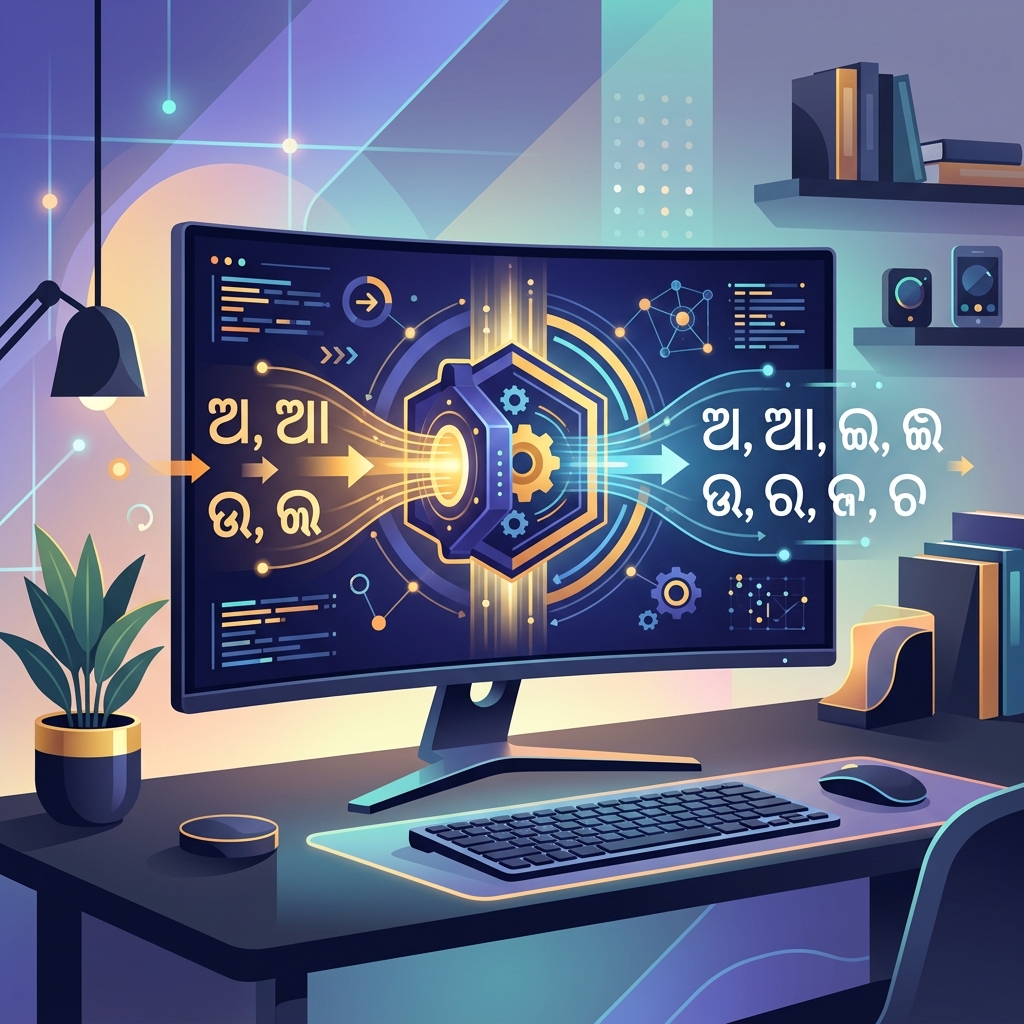
Before the digital landscape globally standardized on Unicode, writing and printing in regional Indian languages required highly specialized, proprietary software solutions. In Odisha, the state language Odia (formerly Oriya) was primarily typed and digitized using legacy desktop publishing (DTP) fonts like Akruti and Sarala. These fonts dominated government offices, regional media houses, book publishers, and educational institutions throughout the 1990s and 2000s. While they were a revolutionary leap for local language computing at the time, they have now become a major digital roadblock. If you possess older digital archives, MS Word documents, PageMaker files, or CorelDraw designs created in Odisha, there is a very high probability they are encoded in the Akruti format. Our advanced Akruti to Unicode Converter is specifically engineered to bridge this technological gap, seamlessly transforming proprietary Akruti encodings into universally readable, modern Odia Unicode.
The Legacy of Akruti Fonts and the "ASCII-Hack"
To truly understand why your old Akruti files appear completely broken on modern devices, it is necessary to look at how these fonts were originally built. Older operating systems (like Windows 98 or Windows XP) lacked native complex text rendering engines capable of handling the intricate conjuncts and vowel modifiers of the Odia script. To bypass this limitation, software developers created what are known as "ASCII-mapped" fonts. They hijacked the standard English QWERTY keyboard layout.
When a typist pressed a specific English key sequence, the Akruti software would intercept it and visually render a specific Odia character on the screen. However, on a fundamental, mathematical level inside the computer's memory, the text was still recorded as a string of random English letters and symbols. This is exactly why, if you attempt to copy Akruti text from an old PDF or Word document and paste it directly into a modern web browser, an email, or WhatsApp, the visual "mask" drops. Instead of Odia, you see a jumbled mess of English characters like "rg asfxvb mhg". Modern platforms enforce strict Unicode standards and completely ignore these legacy visual hacks.
Why Converting to Unicode is Absolutely Essential
Unicode is the foundational international standard that assigns a unique, permanent mathematical value (a code point) to every single character in the world's writing systems. The Odia script has its own dedicated block in the Unicode standard. By converting your legacy Akruti texts to Unicode, you are rescuing your data from an obsolete, proprietary format and upgrading it to a permanent, universal standard. The advantages are immense:
- Universal Cross-Platform Compatibility: Unicode ensures that your Odia text will render perfectly on absolutely any device. Whether your readers are viewing your content on an Apple iPad, an Android smartphone, a Windows PC, or a Linux server, the text will display flawlessly without them ever needing to manually download or install the legacy Akruti.ttf font file.
- Maximum Search Engine Optimization (SEO): This is arguably the most critical factor for digital publishers, news portals, and bloggers. Search engine crawlers (like Googlebot) index the web by reading the underlying mathematical text, not by "looking" at the visual font. If your Odia blog is published in Akruti, Google literally sees it as gibberish English. By utilizing our converter, your content becomes fully and accurately indexable. This means it can finally rank on the first page of search results for native Odia queries, dramatically increasing your organic web traffic and digital reach.
- Digital Archival and Preservation: State libraries, legal departments, and media conglomerates hold vast amounts of historical data trapped in legacy files. If these are not migrated to Unicode, they risk permanent digital rot as older DTP software inevitably becomes obsolete and unsupported. Converting to Unicode ensures that Odisha's cultural, legal, and corporate data remains accessible indefinitely.
AEO and GEO: Integrating Odia into the AI Ecosystem
Traditional SEO is rapidly evolving into Answer Engine Optimization (AEO) and Generative Engine Optimization (GEO). Next-generation artificial intelligence models—such as OpenAI's ChatGPT, Google's Gemini, and Anthropic's Claude—are constantly synthesizing vast amounts of multilingual data to provide direct, conversational answers to user queries in their native languages. However, these advanced AI models cannot parse legacy ASCII-mapped fonts like Akruti. If your organization's knowledge base, literature, or public records remain in Akruti format, they are functionally invisible to the entire global AI ecosystem. By converting your text to standard Odia Unicode, you directly feed your valuable content into the training pipelines and Retrieval-Augmented Generation (RAG) systems of global AI networks. This guarantees that your brand, history, and information are surfaced when users interact with AI in the Odia language.
How Our Advanced Conversion Engine Operates
Translating Akruti to Unicode is a highly complex linguistic and computational task; it is not a simple direct 1-to-1 character substitution. The Odia writing system is beautifully intricate, featuring pre-base vowels (like the short 'i' or hrasva i), post-base symbols, half-characters, complex conjuncts (ଯୁକ୍ତାକ୍ଷର), and specific ligature rules. Our proprietary conversion engine functions as an advanced linguistic parser to handle all of these intricacies perfectly.
When you input text, the engine first reads the raw ASCII keystrokes of the Akruti input. It then meticulously applies grammatical structural rules to correctly reorder vowels. For example, it identifies pre-base vowels and programmatically moves them to their correct phonetic position after the consonant, exactly as they are pronounced and structurally required by Unicode. It resolves all complex half-characters and standardizes conjunct formations. In a final, highly optimized step, it shifts the entire resulting data block into the official Odia Unicode Block (U+0B00 to U+0B7F). The final output is pristine, grammatically accurate Odia Unicode, generated instantly.
How to Use the Akruti Converter
We prioritize speed, security, and user experience. Our tool requires zero downloads and performs all heavy computational conversions securely within your local web browser.
- Step 1: Paste Your Source Text. Open your legacy document (such as an older MS Word or PageMaker file) where the Akruti font is applied. Copy the text, and paste it into the 'Source Input' area on our tool. It will likely look like random English letters—this is expected!
- Step 2: Instantaneous Conversion. Ensure the mode is set to 'Legacy -> Unicode'. The engine will instantly process the text, applying all complex grammatical and vowel reordering rules. The result will immediately appear in the 'Live Output' box as standard Odia Unicode.
- Step 3: Copy and Share. Click the 'Copy Result' button. You can now paste your modernized Odia text directly into Facebook, X (Twitter), modern WordPress websites, or any contemporary software without experiencing any broken text issues.
Pro Tips for Odia Publishers
- Review Complex Conjuncts: While our algorithmic engine is exceptionally accurate and based on rigorous community standards, legacy typists sometimes used non-standard keyboard shortcuts to force a specific visual look for a complex conjunct. It is always best practice to perform a quick visual proofread of complex words after converting a massive document.
- Explore Other Tools: If your organization handles multiple regional languages across India, you will find our Kruti Dev Converter (for Hindi/Marathi) or our Anu Telugu Converter incredibly useful. We also offer tools for Bengali, Punjabi, and Malayalam.
Safeguarding Odia Literature for the Digital Era
Language is the core repository of culture, identity, and historical memory. By allowing literature, local news, and official records to remain trapped in obsolete proprietary formats like Akruti, we inadvertently risk losing access to decades of highly valuable Odia cultural output. The migration to Unicode is an absolute necessity for digital preservation. Do not let your organizational data become obsolete and unreadable. Convert your texts today, and guarantee they remain accessible, globally searchable, and future-proof for generations to come. For further deep technical insights into how the Odia script is globally standardized, we highly recommend reading the Wikipedia entry on the Odia Script.
